1
4.4 Cleaning the Rollers (with a lint-free
cloth)
1.
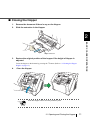
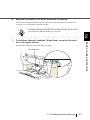
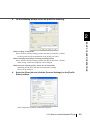
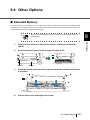
Move the Hopper down to the "low" position if it is set in an upper level.
For details, refer to “2.5 Setting the Hopper Height” on page 15.
2.
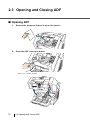
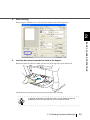
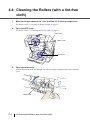
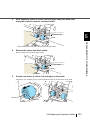
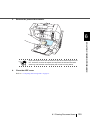
Open the ADF cover.
For details, refer to “2.3 Opening and Closing ADF” on page 12.
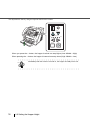
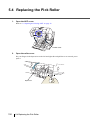
ADF Cover
Roller Cover
Pad Cover
3.
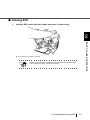
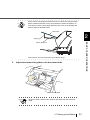
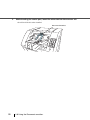
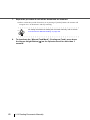
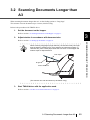
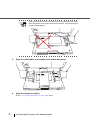
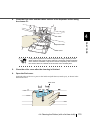
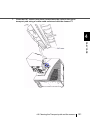
Open the roller cover.
Grab the depression on the left and right side with your fingers and pull towards you to open the
cover.
Roller cover
114
4.4 Cleaning the Rollers (with a lint-free cloth)