1
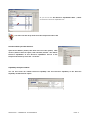
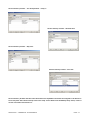
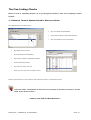
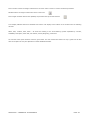
The user should then add each Resource Capability required by the Service Delivery Profile (this is labelled Response
Element). Each response element has a ‘Weight of Attack’ which is the number of each Skill or Role required by the
Service Delivery Profile. The Response Condition should be set to Generic as this has no effect on the Capability
Analysis.
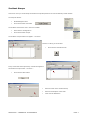
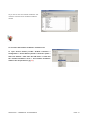
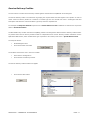
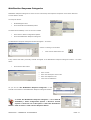
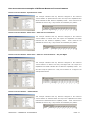
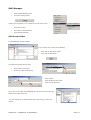
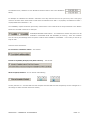
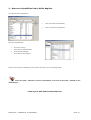
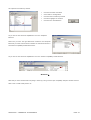
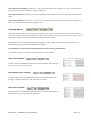
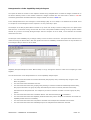
A dialog box will appear
Enter a Code and Description,
Select the Relevant Incident Group from the dropdown list.
Click onto the Add Button
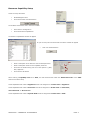
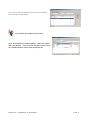
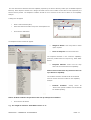
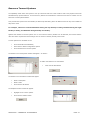
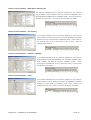
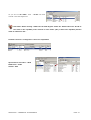
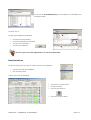
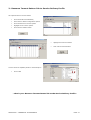
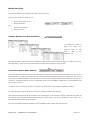
The Response Profile window will appear
Weight of Attack: how many Skills or Roles
is/are required
Notes to Response: free text notes field
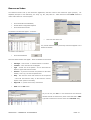
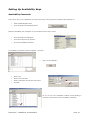
The ‘Response Element’ is the ‘Resource Capability’
previously created select as required e.g. Swift Water
Rescue
Response Element: select from the drop
down list the relevant Resource Capability.
Notice: Resource Element drop down list was set
up in Resource Capability
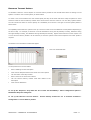
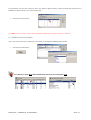
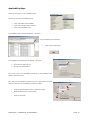
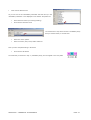
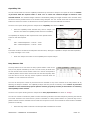
The ‘Incident Condition’ should be left as the default
value of ‘Generic’ this has no effect on the ‘Capability
Analysis’.
Incident
Condition:
usually
would
be
‘Generic’ but specific condition can be selected
for detailed profiling.
Notice: Incident Condition drop down list was set up in Response Conditions
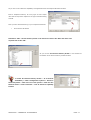
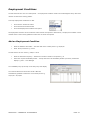
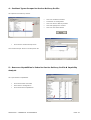
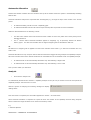
Click onto the OK button
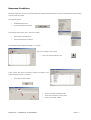
e.g. The weight of attack for ‘Swift Water Rescue’ is ‘3’.
SOPHTLOGIC – COMMERCIAL IN CONFIDENCE
PAGE: 12