1
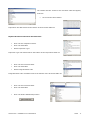
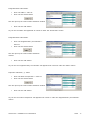
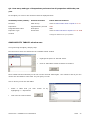
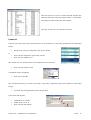
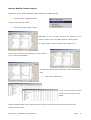
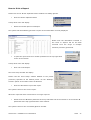
If you would like to change the ‘Status’ of the query…
•
Select ‘Private’ or ‘View’ option
•
Click onto the Library Folder
•
Click the ‘OK’ button to Save the Query.
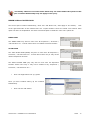
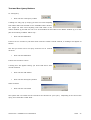
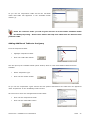
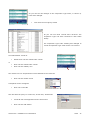
The system returns to the ‘Fire Safety Queries’ window
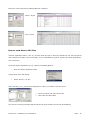
As you can see the query name has changed
•
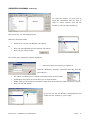
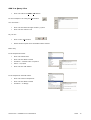
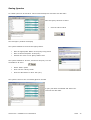
Click onto the ‘Open’ icon
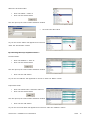
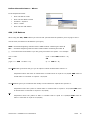
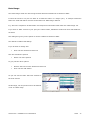
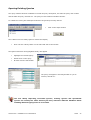
You should have both of the queries in the saved library – as shown below
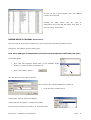
To make any additional amendments, changes to the Queries repeat the previous pages.
SOPHTLOGIC – COMMERCIAL IN CONFIDENCE
PAGE:
41