1
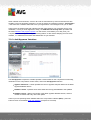
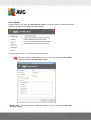
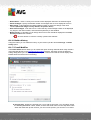
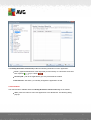
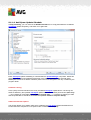
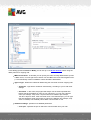
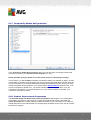
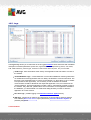
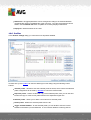
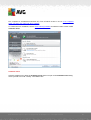
To list only external connections, tick the Hide local connections checkbox in the bottom section
of the dialog under the list.
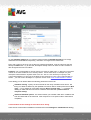
Control buttons
The control buttons available are:
Terminate Connection - closes one or more connections selected in the list
Terminate Process - closes one or more applications related to connections selected in
the list
Back - switch back to the default AVG user interface (components overview).
Sometimes it is possible to terminate only applications that are currently in the connected
state. We strongly suggest not to terminate any connections, unless you are absolutely sure
that they represent a real threat!
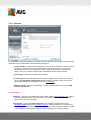
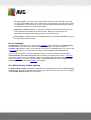
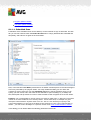
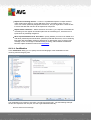
7.15.3. Autostart
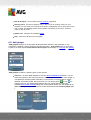
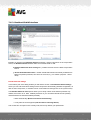
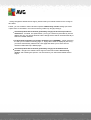
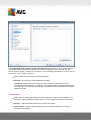
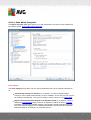
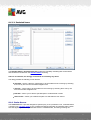
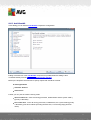
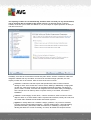
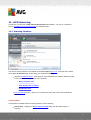
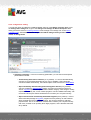
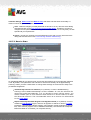
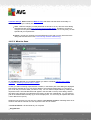
The Autostart dialog shows a list of all applications that are executed during Windows system startup. Very often, several malware applications add themselves automatically to the start-up registry
entry.
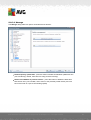
You can delete one or more entries by selecting them and pressing the Remove selected button.
The Back button switches you back to the default AVG user interface (components overview).
We strongly suggest not to delete any applications from the list, unless you are absolutely
A V G I nternet Sec urity 2 0 1 1 © 2 0 1 1 C opyright A V G T ec hnologies C Z, s .r.o. A ll rights res erved.
61