1
Analyzing Match Results
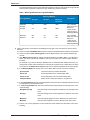
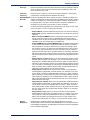
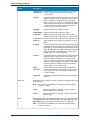
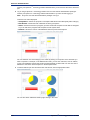
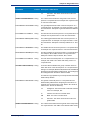
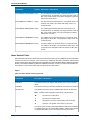
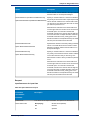
• Missed Matches: A count of all records that were suspects or duplicates in the baseline result, but are
unique in the comparison result.
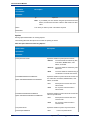
• Suspect Match Rate
• Baseline Matches: A count of all Suspects that were not unique in the baseline.
• Comparison Matches: A count of all suspects that were not unique in the comparison.
• New Matches: A count of all suspects that were unique in the baseline, but are matches in the
comparison result.
• Missed Matches: A count of all suspects that were matches in the baseline, but are unique in the
comparison result.
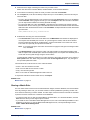
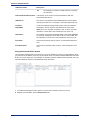
Using Field Chooser
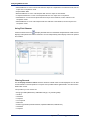
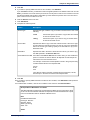
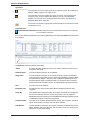
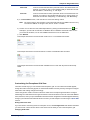
Click the Field Chooser icon
to display selected columns in the Match Analysis Results. Field Chooser
displays at the parent level and the child level. You can independently select display columns for parents
and children.
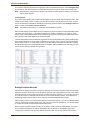
Filtering Records
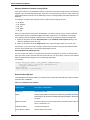
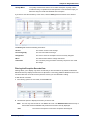
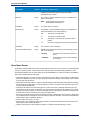
Use the Display records in which check box to filter the detail match records displayed. You can filter
records based on several operators to compare user-provided values against data in one field of each
detail match record.
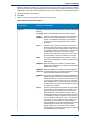
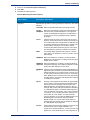
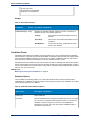
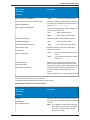
The operators you can choose are:
•
•
•
•
•
•
•
•
•
110
String-type fields (MatchGroup, MatchRecordType, any matching data)
contains
is between
is equal to
is not equal to
starts with
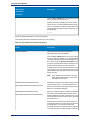
Numeric-type fields (CollectionNumber, InputRecordNumber, MatchScore)
is between
is equal to
Spectrum™ Technology Platform 9.0 SP2