1
Chapter 8: Stages Reference
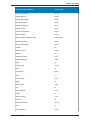
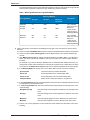
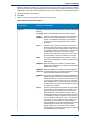
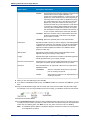
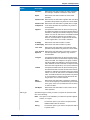
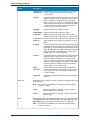
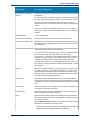
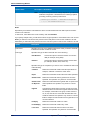
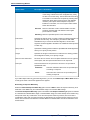
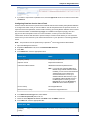
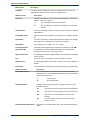
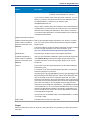
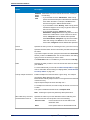
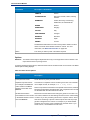
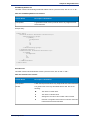
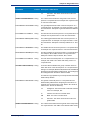
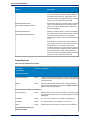
Field Name
Description / Valid Values
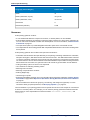
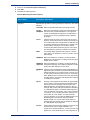
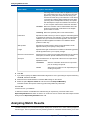
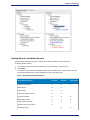
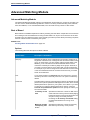
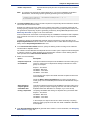
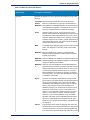
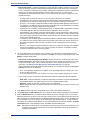
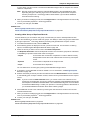
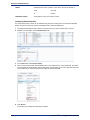
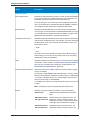
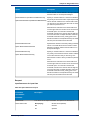
MatchScore
Identifies the overall score between two records. The possible values
are 0-100, with 0 indicating a poor match and 100 indicating an exact
match.
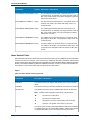
Note: The Validate Address and Advanced Matching Module stages both use the MatchScore field.
The MatchScore field value in the output of a dataflow is determined by the last stage to modify
the value before it is sent to an output stage. If you have a dataflow that contains Validate Address
and Advanced Matching Module stages and you want to see the MatchScore field output for
each stage, use a Transformer stage to copy the MatchScore value to another field. For example,
Validate Address produces an output field called MatchScore and then a Transformer stage
copies the MatchScore field from Validate Address to a field called AddressMatchScore. When
the matcher stage runs it populates the MatchScore field with the value from the matcher and
passes through the AddressMatchScore value from Validate Address.
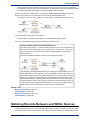
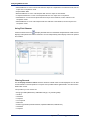
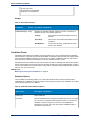
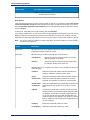
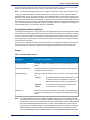
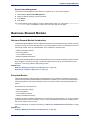
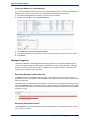
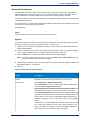
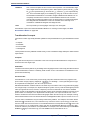
Intraflow Match
Intraflow Match locates matches between similar data records within a single input stream. You can
create hierarchical rules based on any fields that have been defined or created in other stages of the
dataflow.
Related Links
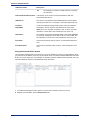
Matching Records from a Single Source on page 82
Options
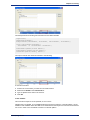
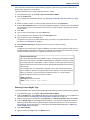
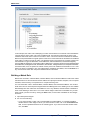
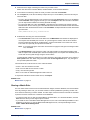
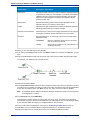
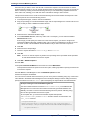
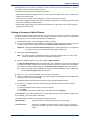
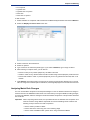
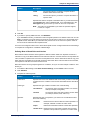
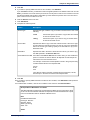
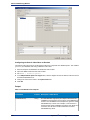
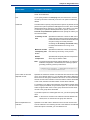
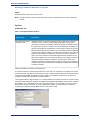
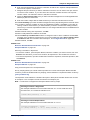
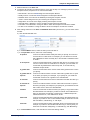
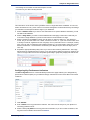
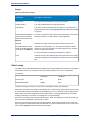
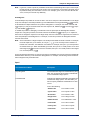
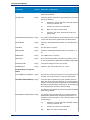
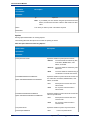
1. In the Load match rule field, select one of the predefined match rules which you can either use as-is
or modify to suit your needs. If you want to create a new match rule without using one of the predefined
match rules as a starting point, click New. You can only have one custom rule in a dataflow.
Note: The Dataflow Options feature in Enterprise Designer enables the match rule to be exposed
for configuration at runtime.
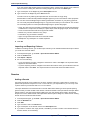
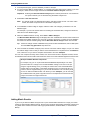
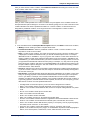
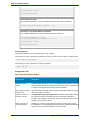
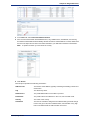
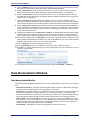
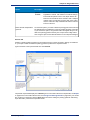
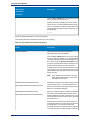
2. Click Group By to select a field to use for grouping records in the match queue. Intraflow Match only
attempts to match records against other records in the same match queue.
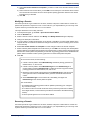
3. Select the Sort box to perform a pre-match sort of your input based on the field selected in the Group
By field.
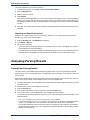
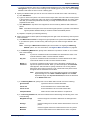
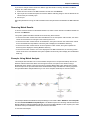
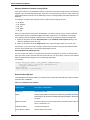
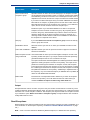
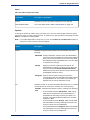
4. Click Advanced to specify additional sort performance options.
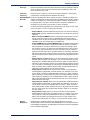
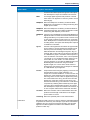
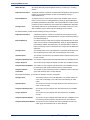
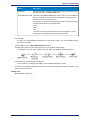
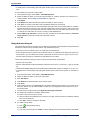
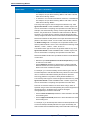
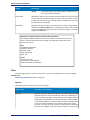
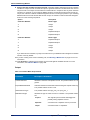
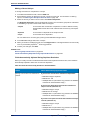
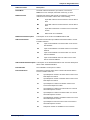
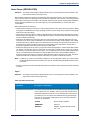
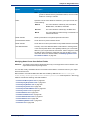
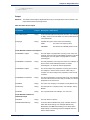
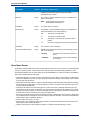
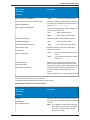
In memory record limit
Specifies the maximum number of data rows a sorter will hold in
memory before it starts paging to disk. Be careful in environments
where there are jobs running concurrently because increasing the
In memory record limit setting increases the likelihood of running
out of memory.
Maximum number of
temporary files to use
Specifies the maximum number of temporary files that may be used
by a sort process.
Enable compression
Specifies that temporary files are compressed when they are written
to disk.
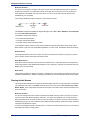
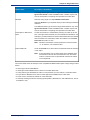
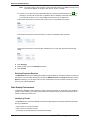
Note: The optimal sort performance settings depends on your server's hardware configuration.
Nevertheless, the following equation generally produces good sort performance:
(InMemoryRecordLimit × MaxNumberOfTempFiles ÷ 2) >=
TotalNumberOfRecords
Data Quality Guide
171