1
InfoCAD Introductory Examples
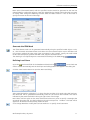
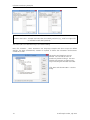
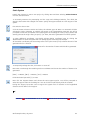
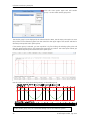
Additional input is required in the
EN 1992-1-1 design folder for this purpose:
Actions: Define the necessary design situation depending on the additional checks and the
exposure class.
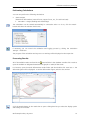
Settings related to the section are made in the Element properties dialog. Click the Element
properties button to open this dialog and then enter the check specifications required for each
section under EN 1992-1-1.
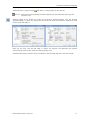
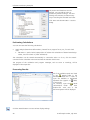
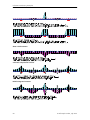
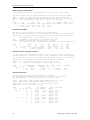
After you are done, start the EN 1992-1-1 design. The program will determine the required
reinforcements, perform the checks and then generate a log.
A detailed description of all the checks is available in the InfoCAD help and in the user manual.
© InfoGraph GmbH, July 2015
17