1
SECTION 4
CCSD WINDOWS BASED
SETUP PROGRAM REFERENCE
________________________________________________________
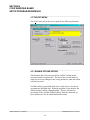
4.2 THE FILE MENU
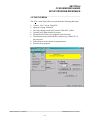
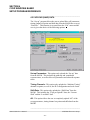
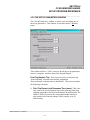
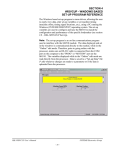
The “File” menu allows the user to perform the following functions:
•
•
•
•
•
•
•
•
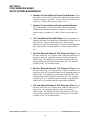
Create a “New” set-up “Data File”.
Open an existing “Data File”.
Save any changes made to the current “Data File” to disk.
Upload (save) Data from the Processor.
Download a SYSdev (.sdv) program to the processor
Download (restore) Data from the current set-up “Data File” to
the processor
Print a Report of the current set-up parameters.
Exit the set-up program
HSM-CCSD2 User’s Manual
SYSTEMS Electronics Group
- 41 -