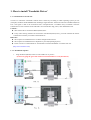
1
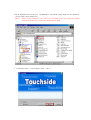
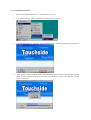
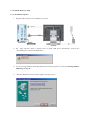
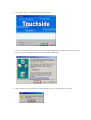
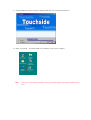
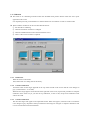
2. Put the attached Driver CD into your CD-ROM Drive. And find the proper ‘Setup.exe’ file suitable for
your OS. Then execute it(Setup.exe).
Notes : Before starting installation, must check your Operating System and install the suitable
execution file (Setup.exe). It is below the 'RS-232(Serial)' folder.
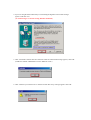
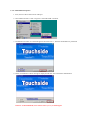
3.
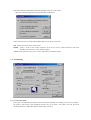
'Touchside Version 1.3' screen appears. Click
'Next >'.