1
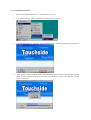
1. How to install 'Touchside Driver'
1-1. Touchside Driver for RS-232
You have to install the 'Touchside' software driver selectively according to which operating system you use
(examples, Windows 98/SE/Me/2000/XP). Exchanges signal between 'Touchtron Controller' and 'RS-232(Serial)
Port'. The signal is read in the 'Touchtron' and is interpreted with x-coordinate and y-coordinate. Then the
software driver reacts with the mouse and offers various skills like 'drag, select, click and double-click'.
Cautions :
▶ This software driver should use RS-232(Serial) Port.
▶ If any other existing software has association with RS-232(Serial) Ports, you must uninstall the former
software driver before you install 'Touchside Driver'.
Reference :
▶ The sequence of installation below could be changed without notice.
▶ The sequence of installation below depends on your OS(Operating System).
▶ Latest version of ‘Touchside Driver’ and manuals can be downloaded at our internet web site
(http://www.hantouch.com).
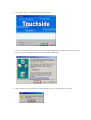
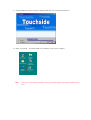
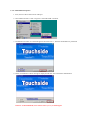
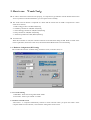
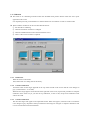
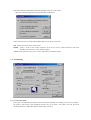
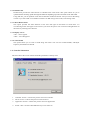
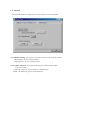
1-1-1. Installation Sequence
1.
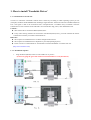
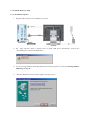
Plug the RS-232(Serial) Connector into COM Port of your PC.
(If necessary plug the given PS2 connector into MOUSE Port or Keyboard Port.)