1
Audio Analysis
Prefs Tab
Prefs Tab
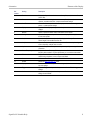
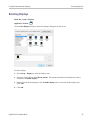
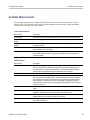
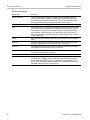
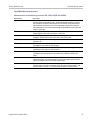
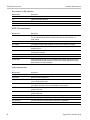
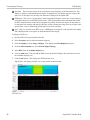
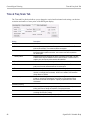
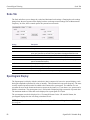
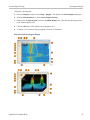
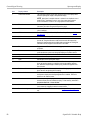
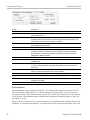
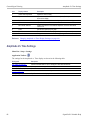
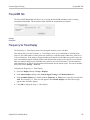
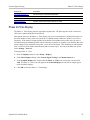
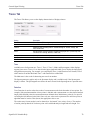
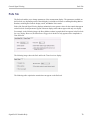
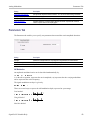
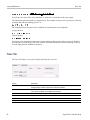
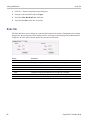
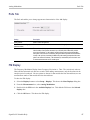
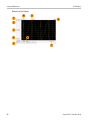
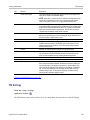
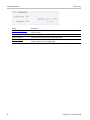
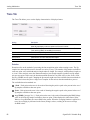
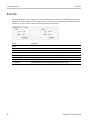
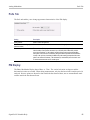
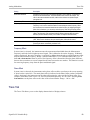
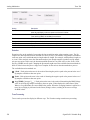
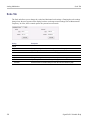
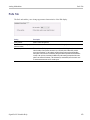
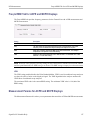
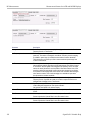
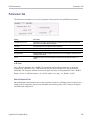
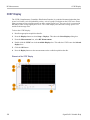
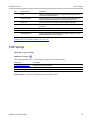
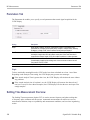
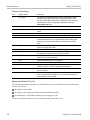
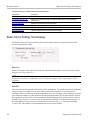
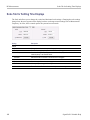
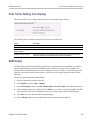
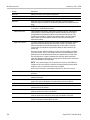
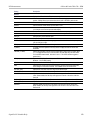
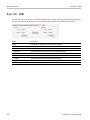
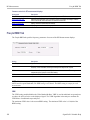
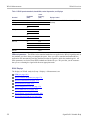
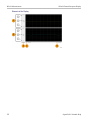
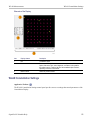
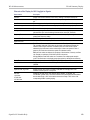
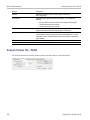
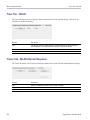
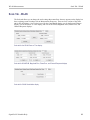
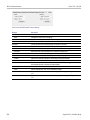
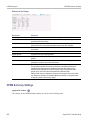
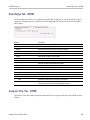
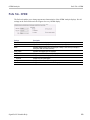
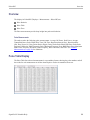
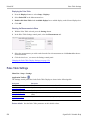
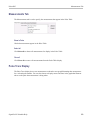
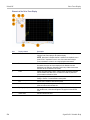
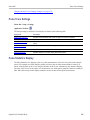
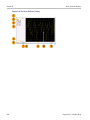
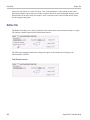
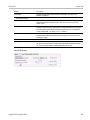
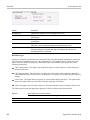
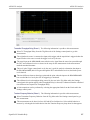
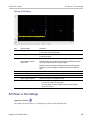
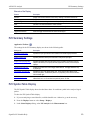
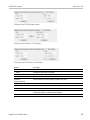
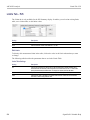
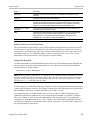
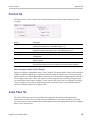
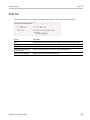
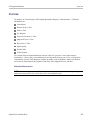
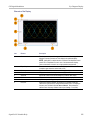
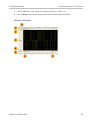
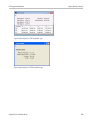
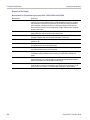
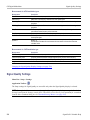
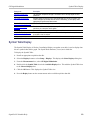
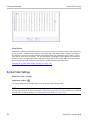
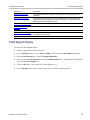
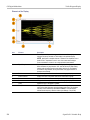
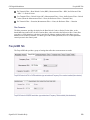
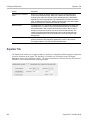
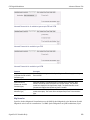
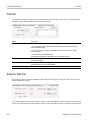
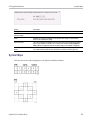
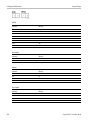
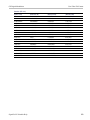
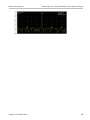
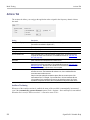
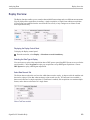
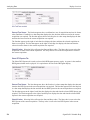
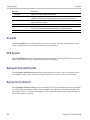
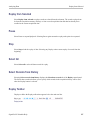
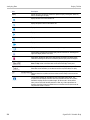
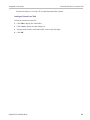
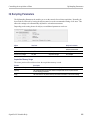
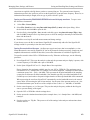
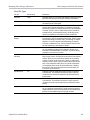
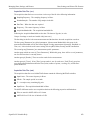
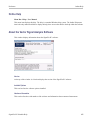
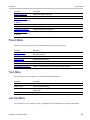
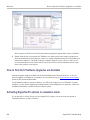
The Prefs tab enables you to change appearance characteristics of the Audio Spectrum display.
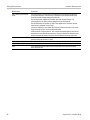
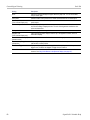
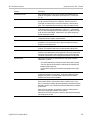
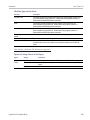
Setting
Description
Units:
Specifies the vertical scale units. The units available depend on the signal type selected.
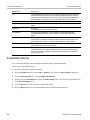
Show graticule
Select to display or hide the graticule.
Trace points
Sets the number of trace points used for marker measurements and for results export.
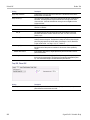
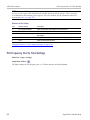
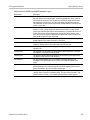
Show Marker readout in graph
(selected marker)
Shows or hides the readout for the selected marker in the graph area.
Show Non-Harm Threshold
Shows or hides the non-harmonic threshold line.
xxx
SignalVu-PC Printable Help
305