1
6 . 5 D d at t e f T e rm i n al s
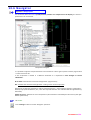
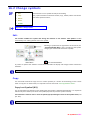
Pop-menu > Spac
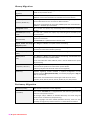
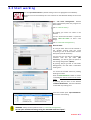
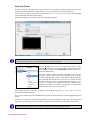
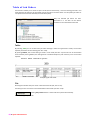
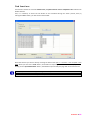
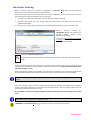
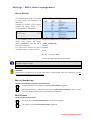
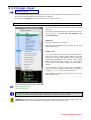
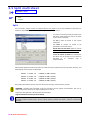
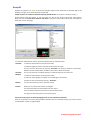
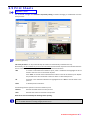
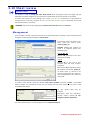
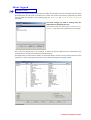
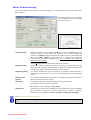
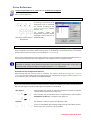
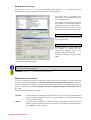
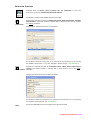
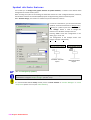
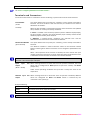
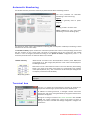
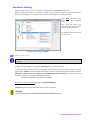
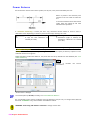
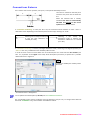
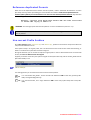
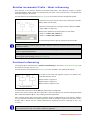
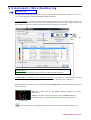
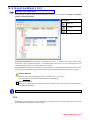
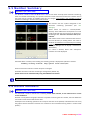
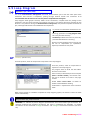
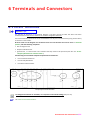
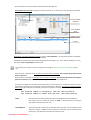
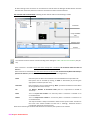
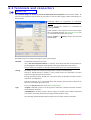
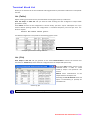
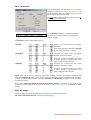
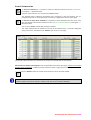
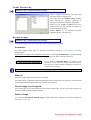
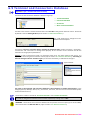
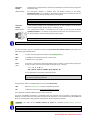
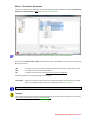
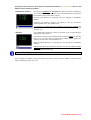
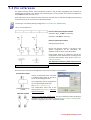
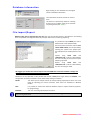
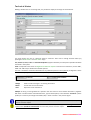
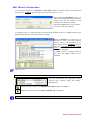
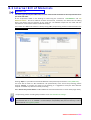
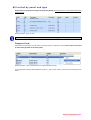
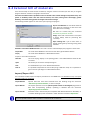
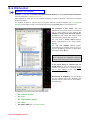
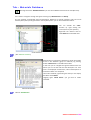
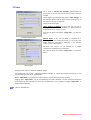
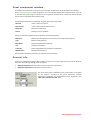
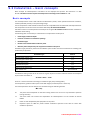
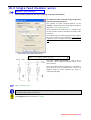
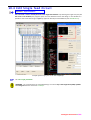
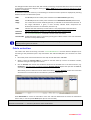
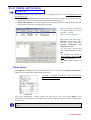
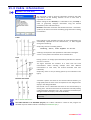
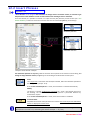
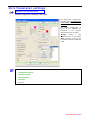
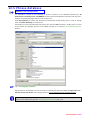
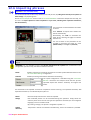
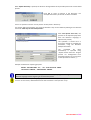
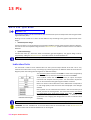
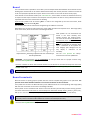
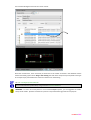
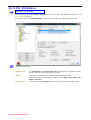
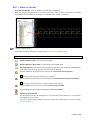
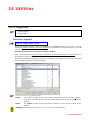
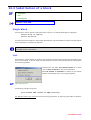
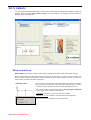
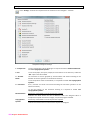
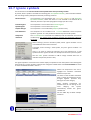
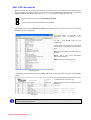
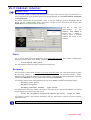
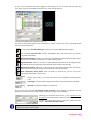
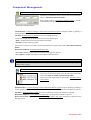
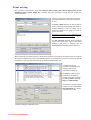
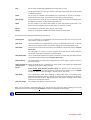
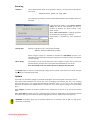
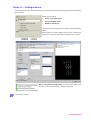
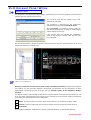
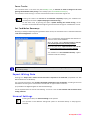
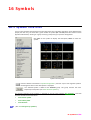
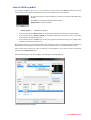
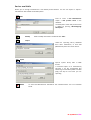
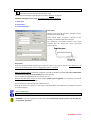
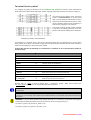
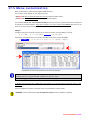
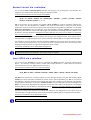
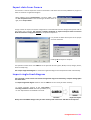
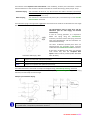
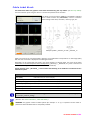
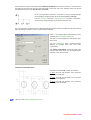
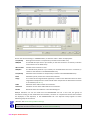
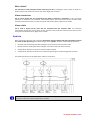
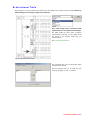
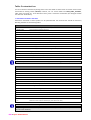
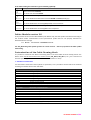
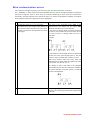
The command XS is called with a double click on the symbol (Terminal or Connector Pin), all the data
associated during the design is shown. It is possible to change the Panel, the Terminal Block, the NumM, the
Level Position and the Materials characteristics.
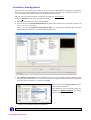
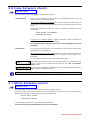
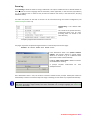
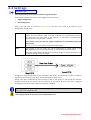
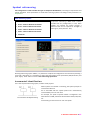
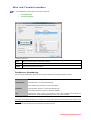
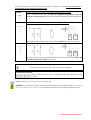
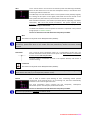
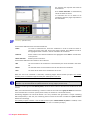
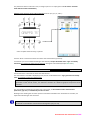
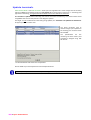
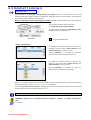
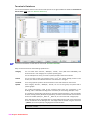
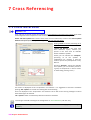
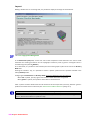
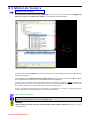
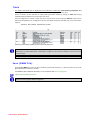
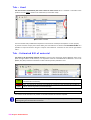
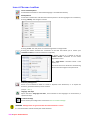
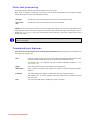
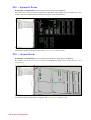
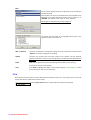
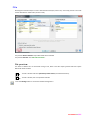
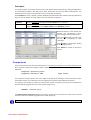
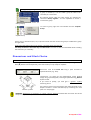
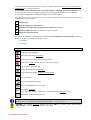
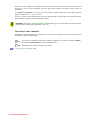
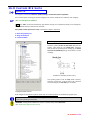
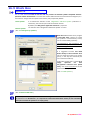
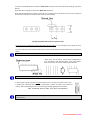
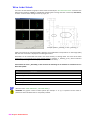
Allows the substitution of the Terminal graphical symbol, between those available with the same category.
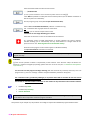
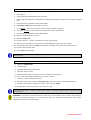
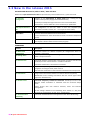
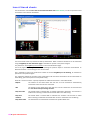
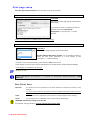
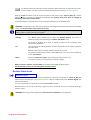
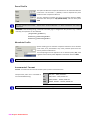
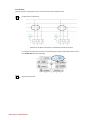
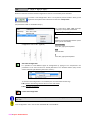
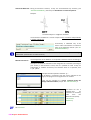
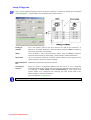
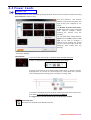
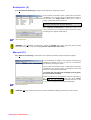
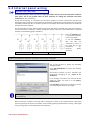
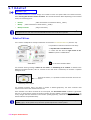
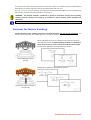
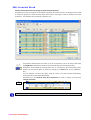
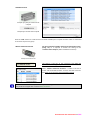
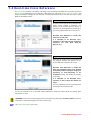
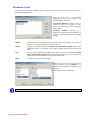
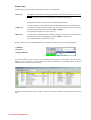
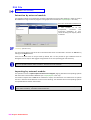
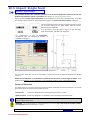
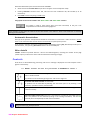
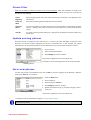
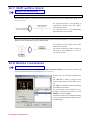
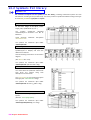
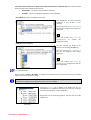
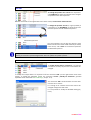
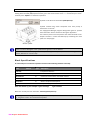
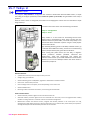
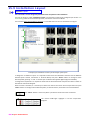
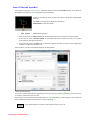
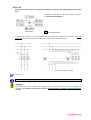
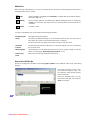
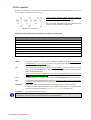
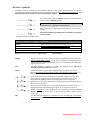
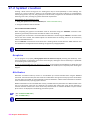
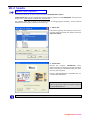
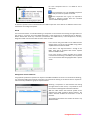
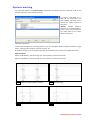
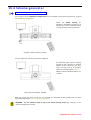
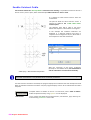
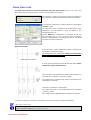
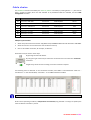
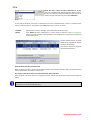
The command could be called in two ways:
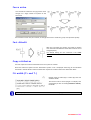
1 – Double click on the Terminal symbol.
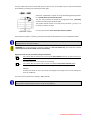
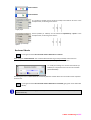
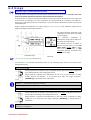
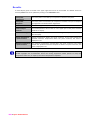
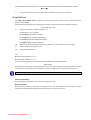
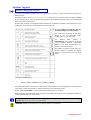
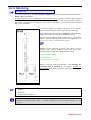
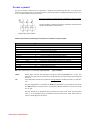
2 – Select the Terminal with the right button of the
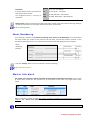
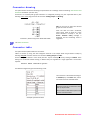
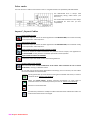
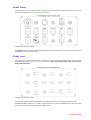
mouse to open the ”Radial Menu“.
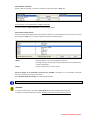
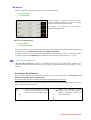
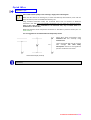
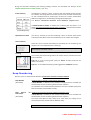
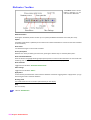
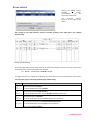
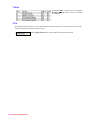
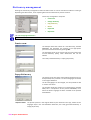
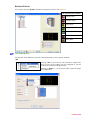
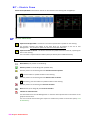
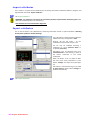
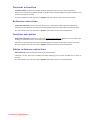
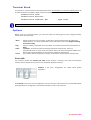
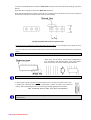
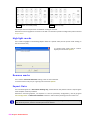
Radial Menu
= To close the Radial Menu
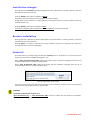
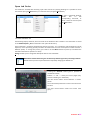
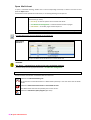
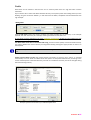
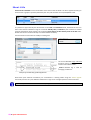
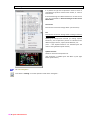
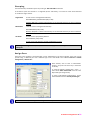
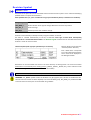
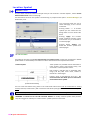
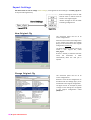
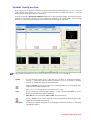
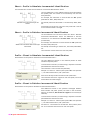
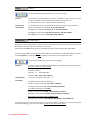
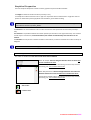
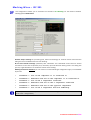
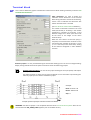
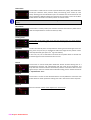
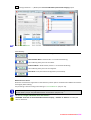
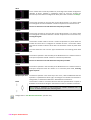
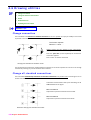
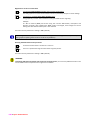
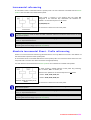
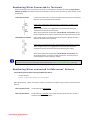
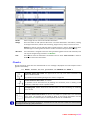
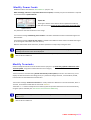
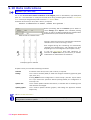
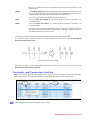
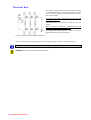
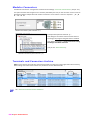
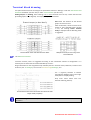
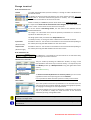
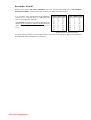
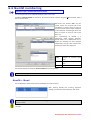
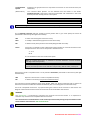
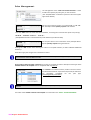
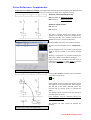
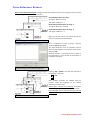
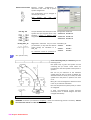
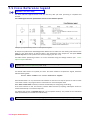
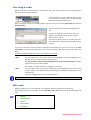
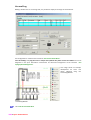
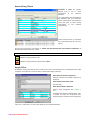
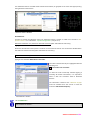
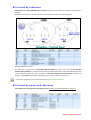
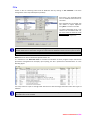
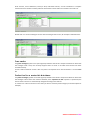
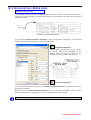
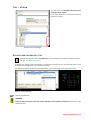
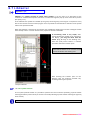
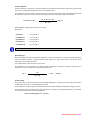
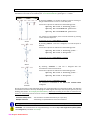
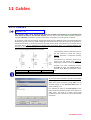
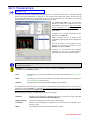
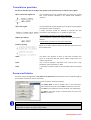
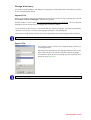
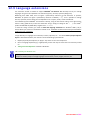
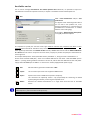
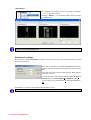
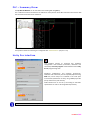
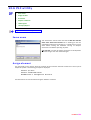
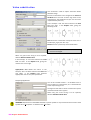
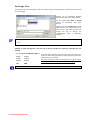
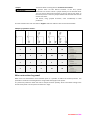
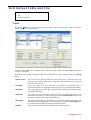
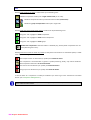
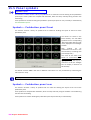
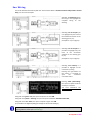
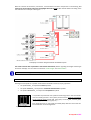
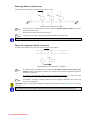
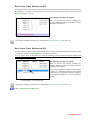
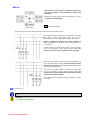
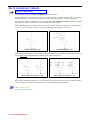
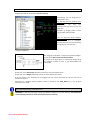
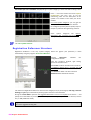
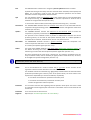
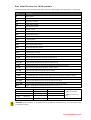
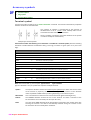
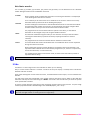
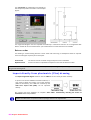
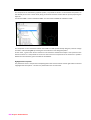
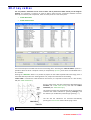
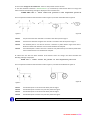
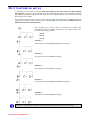
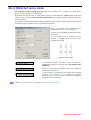
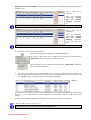
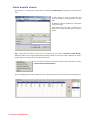
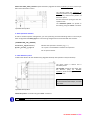
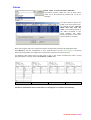
Changes Levels Position
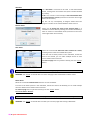
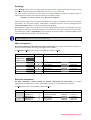
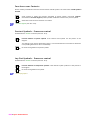
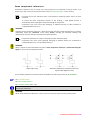
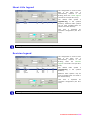
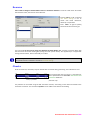
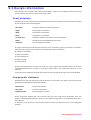
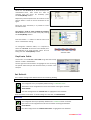
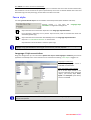
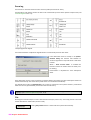
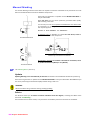
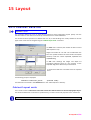
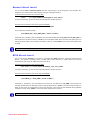
To modify the connection position on the levels it is
enough to press the button “Move Level Up” and
”Move Level Down” (1 Level at a time).
Pressing “Exchange” it is possible to invert the
position of the connections (select 2 Levels).
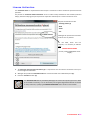
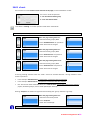
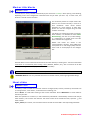
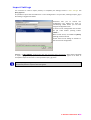
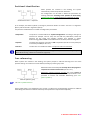
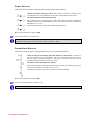
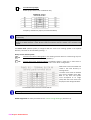
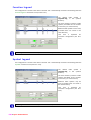
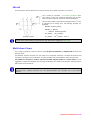
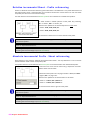
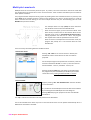
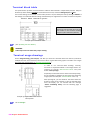
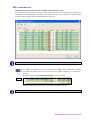
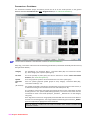
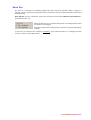
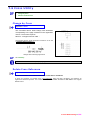
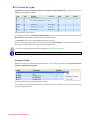
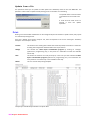
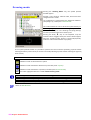
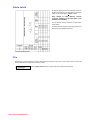
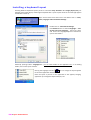
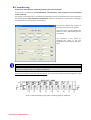
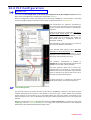
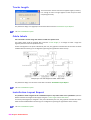
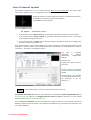
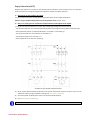
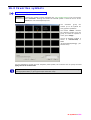
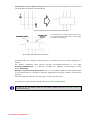
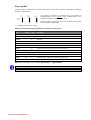
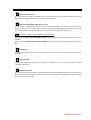
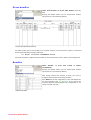
Changes Pins Position
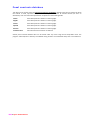
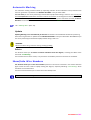
To modify the connection position on the pins it is
enough to press the button “Move Pin Up” and
”Move Pin Down” (1 Pin at a time).
Pressing “Exchange” it is possible to invert the
position of the connections (select 2 Pins).
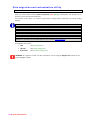
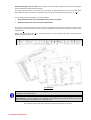
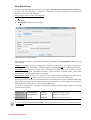
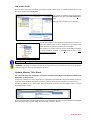
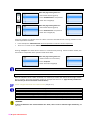
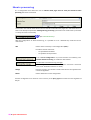
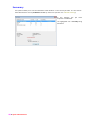
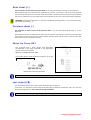
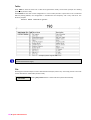
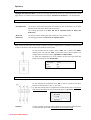
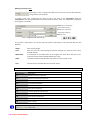
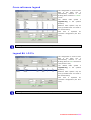
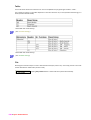
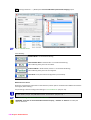
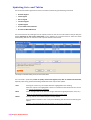
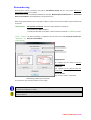
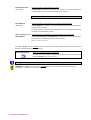
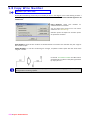
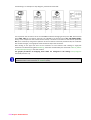
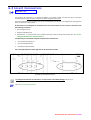
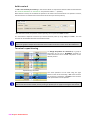
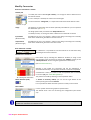
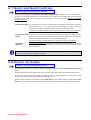
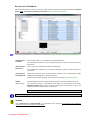
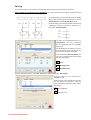
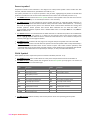
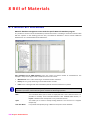
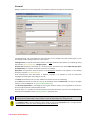
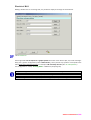
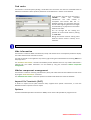
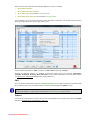
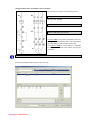
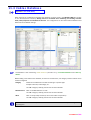
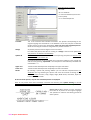
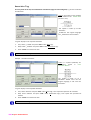
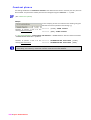
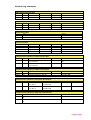
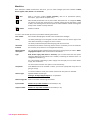
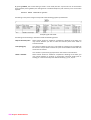
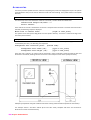
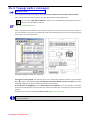
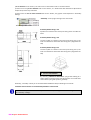
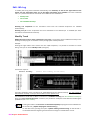
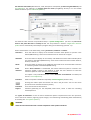
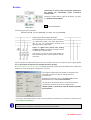
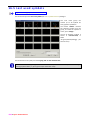
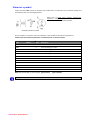
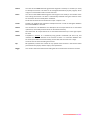
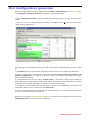
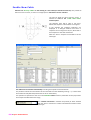
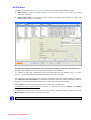
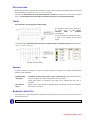
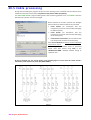
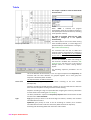
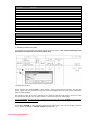
Button “…” is used to modify the return block (symbol used to figure the terminal on the terminal block),
choosing it from the ones in 6.9 Terminal and Connectors Database.
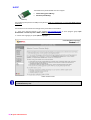
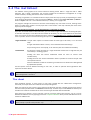
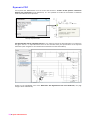
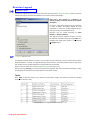
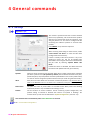
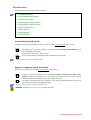
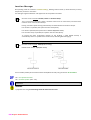
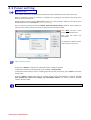
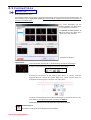
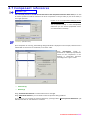
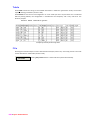
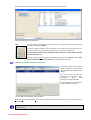
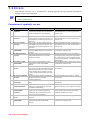
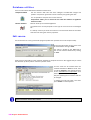
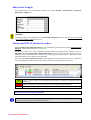
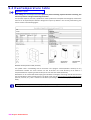
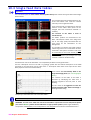
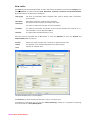
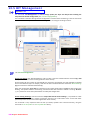
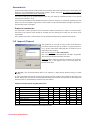
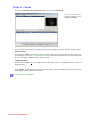
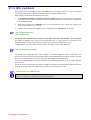
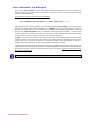
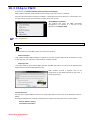
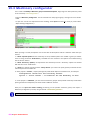
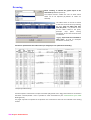
If the message Values do not coincide is displayed this is due to a discrepancy between wire and terminal
numbers that you can solve using command “Ddattef “.
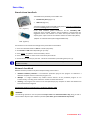
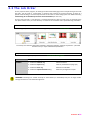
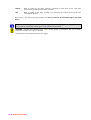
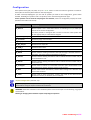
Manual modifications to field “Usage” must comply the syntax required for this string (see “6.4 Usage“).
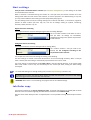
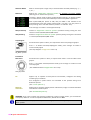
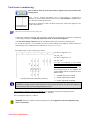
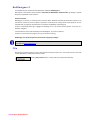
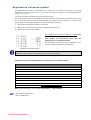
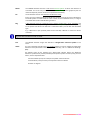
WARNING : Avoid the use of AutoCAD commands “Properties”, “Eattedit” or “Ddatte” to modify the
data.
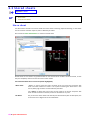
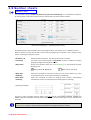
5.7 Ddattef
206 • Spac Automazione