1
FINAL DRAFT AV
166 - Header & Footer
2
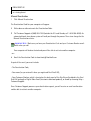
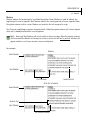
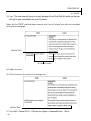
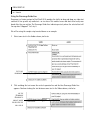
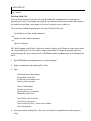
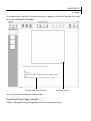
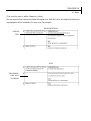
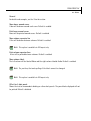
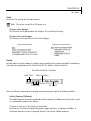
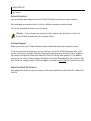
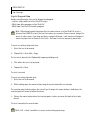
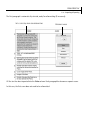
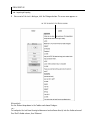
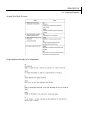
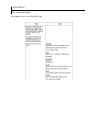
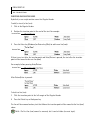
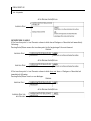
Position the insertion point anywhere in the line (row) you want the new line to follow.
For example:
INSERTION POINT
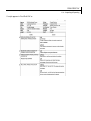
3
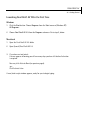
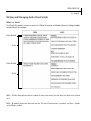
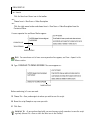
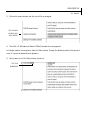
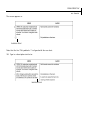
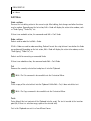
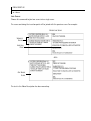
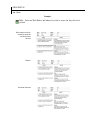
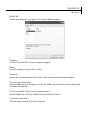
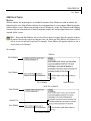
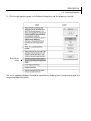
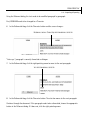
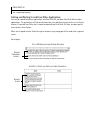
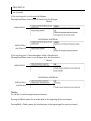
Press the Enter key (Windows) or Return key (Mac), to add a new line (row).
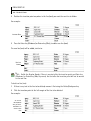
The new line (row) will be added, similar to:
NEW LINE
INSERTED
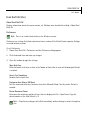
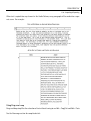
NOTE
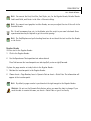
NOTE: Unlike the Regular Header, if there is any text after the insertion point, and Enter key
(Windows), or Return key (Mac) is pressed, the text after the insertion point will not be moved
to the new line.
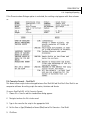
To delete a line (row):
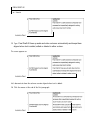
1 If there is any text in the line to be deleted, remove it first using the Delete/Backspace key.
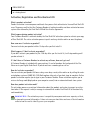
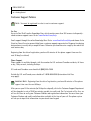
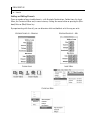
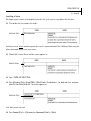
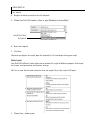
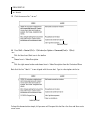
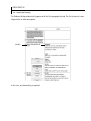
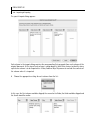
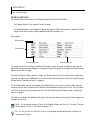
2 Click the insertion point at the left margin of the line to be deleted.
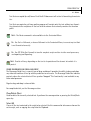
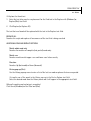
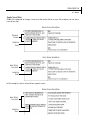
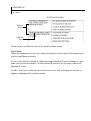
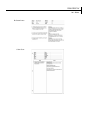
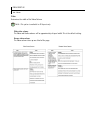
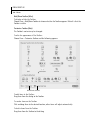
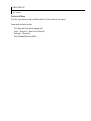
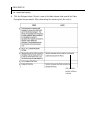
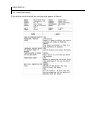
For example:
ALL TEXT HAS
BEEN REMOVED
AND THE INSERTION POINT IS IN
THE LEFT-MOST
FIELD