1
CSC 6300 N-DSC III
135
Chapter 8: Maintenance and Troubleshooting
Balance and Residual
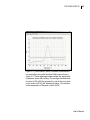
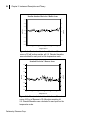
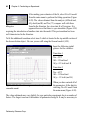
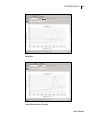
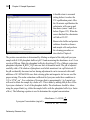
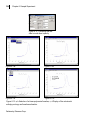
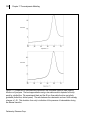
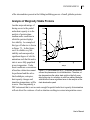
The balance and residual scan data may eventually become less effective as the instrument baseline shifts over time. This will result in water baseline data that do not fall
within ±100 µwatt range.
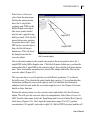
The measuring unit of your N-DSC III contains two cells that are closely matched in
mass and internal volume. These cells are attached to the calorimeter block via the access
tubes. During the manufacture of your calorimeter these access tubes were machined to
match the thermal conductivity of the sample and reference cells. Since it is impossible
to achieve a perfect match of the thermal paths for the two cells, an instrument baseline,
or balance run, is performed. This balance run creates a baseline for the calorimeter that
yields a heat flow signal that is near zero when both cells contain solutions with the identical heat capacity.
The balance run will give you a satisfactory baseline. However, to further flatten the
baseline across the entire temperature range, you can correct the instrument baseline by
running a “residual” scan. A residual scan is generally used for cosmetic reasons only;
the real sample heat capacity data is obtained by subtracting data from the baseline, not
from individual scans.
Use of the residual scan feature will not affect your data in any way.
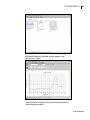
The residual feature of this software is simply a process of adjusting the linearity of the
instrument baseline to display a value near zero.
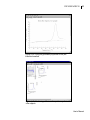
The procedure for balancing the cells and creating residual scan data are as follows:
Load the cells with degassed, deionized water. Be sure you have no bubbles.
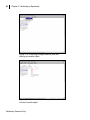
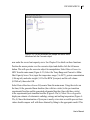
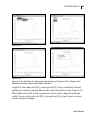
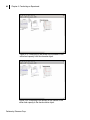
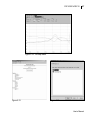
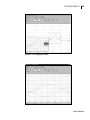
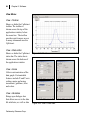
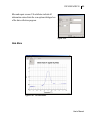
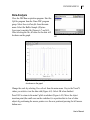
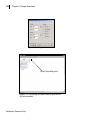
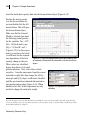
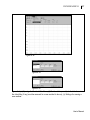
From the DSCRun menu bar select Tools⇒Balance Cells. The calorimeter will perform
a 0 to 130°C scan (both up and down). After the balance scan is complete (approx. 5
hours), save the balance scan.
User’s Manual