1
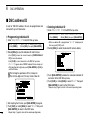
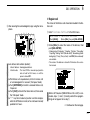
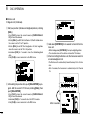
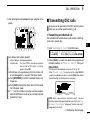
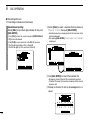
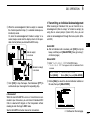
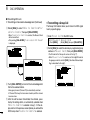
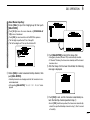
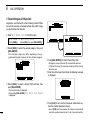
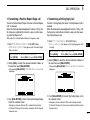
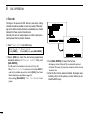
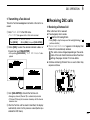
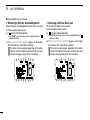
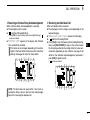
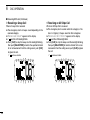
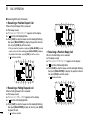
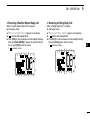
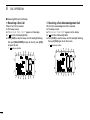
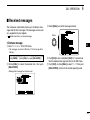
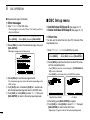
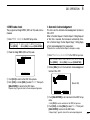
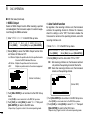
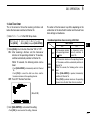
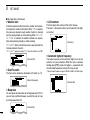
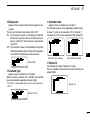
DSC OPERATION 6 D MMSI code check D Automatic Acknowledgement The programmed 9 digit MMSI (DSC self ID) code can be checked. This item sets the Automatic Acknowledgement function to ON or OFF. When a Position Request, Position Report, Polling Request or Test Call is received, the transceiver automatically transmits a Position Reply, Position Report Reply*, Polling Reply or Test Acknowledgement Call, respectively. qEnter “MMSI Check” in the DSC Set up menu. DSC Menu ➪ Set up ➪ MMSI Check (Push [MENU]) (Rotate [DIAL], then push [DIAL•ENTER].) wCheck the 9 digit MMSI (DSC self ID) code. --DSC Menu-MMSI Check 123456789 *Only when the received Position Report call requires a reply. qEnter “Position Auto ACK” in the DSC Set up menu. DSC Menu ➪ Set up ➪ Position Auto ACK (Push [MENU]) (Rotate [DIAL], then push [DIAL•ENTER].) wRotate [DIAL] to turn the Automatic Acknowledgement function ON or OFF. <CLR˘Exit> --DSC Menu-Position Auto ACK ˘ON OFF ePush [CLR] to return to the DSC Set up menu. rPush [CLR], or rotate [DIAL] to select “Exit” then push [DIAL•ENTER], to return to the DSC menu. (Default: ON) • Repeat step r again to return to the normal operating mode. <CLR˘Exit / ENT˘OK> 1 2 3 4 5 6 7 8 9 10 11 12 13 14 15 16 ePush [DIAL•ENTER] to set and return to the DSC Set up menu. • Push [CLR] to cancel and return to the DSC Set up menu. rPush [CLR], or rotate [DIAL] to select “Exit” then push [DIAL•ENTER], to return to the DSC menu. • Repeat step r again to return to the normal operating mode. 45