1
Compare Files/Libraries Menu (=7)
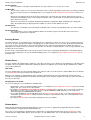
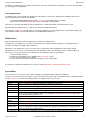
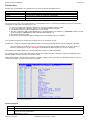
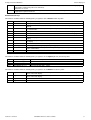
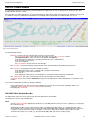
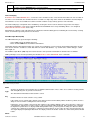
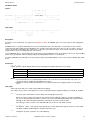
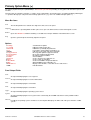
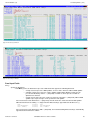
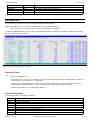
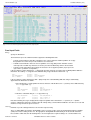
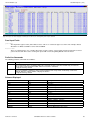
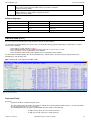
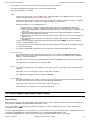
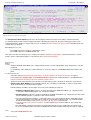
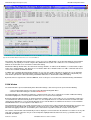
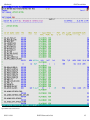
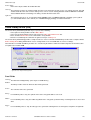
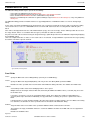
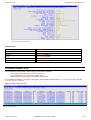
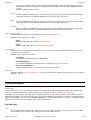
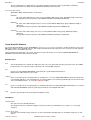
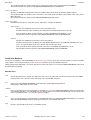
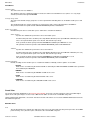
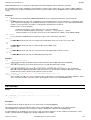
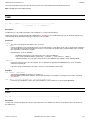
Compare Files (formatted): Re-synchronisation options
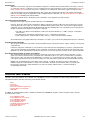
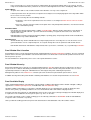
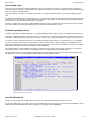
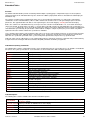
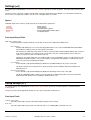
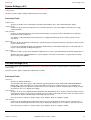
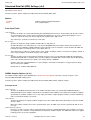
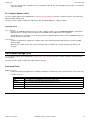
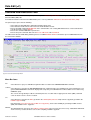
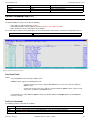
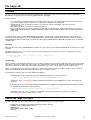
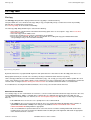
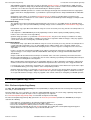
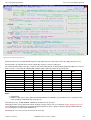
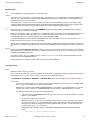
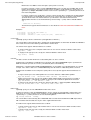
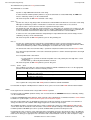
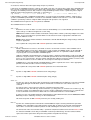
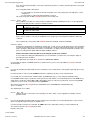
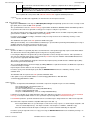
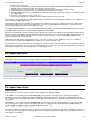
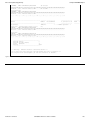
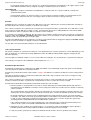
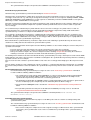
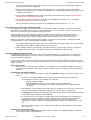
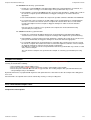
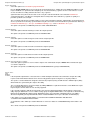
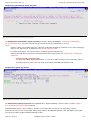
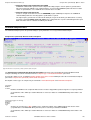
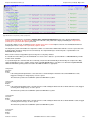
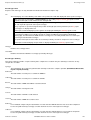
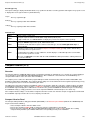
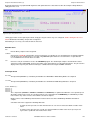
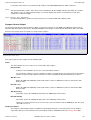
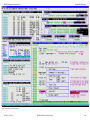
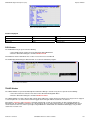
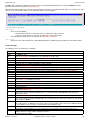
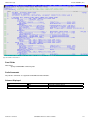
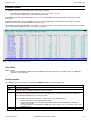
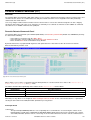
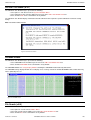
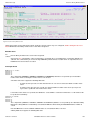
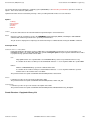
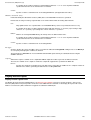
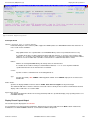
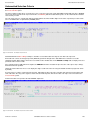
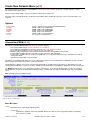
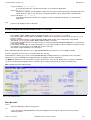
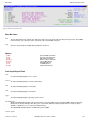
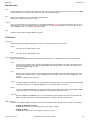
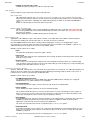
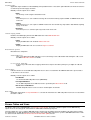
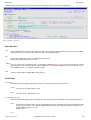
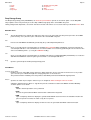
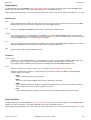
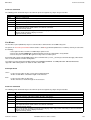
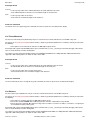
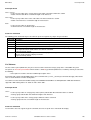
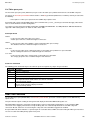
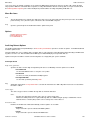
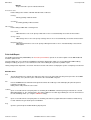
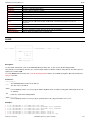
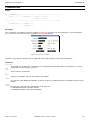
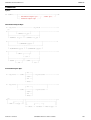
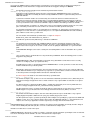
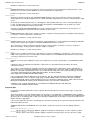
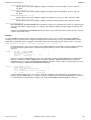
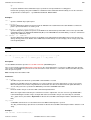
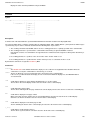
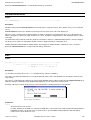
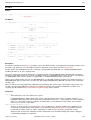
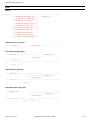
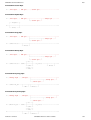
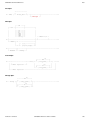
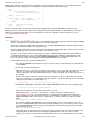
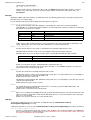
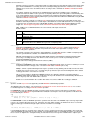
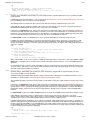
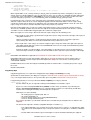
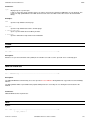
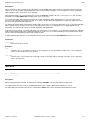
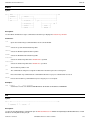
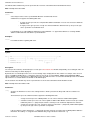
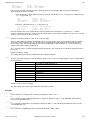
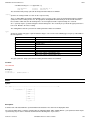
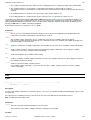
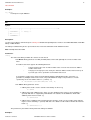
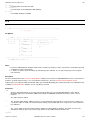
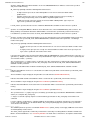
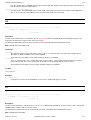
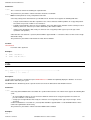
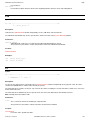
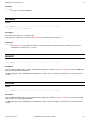
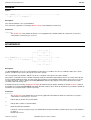
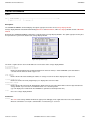
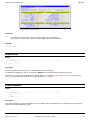
Figure 44. SELCOPY/i - Compare Files (formatted): Re-synchronisation options.
The Compare Files (formatted): Re-synchronisation options panel view is displayed following the Compare Files (formatted):
Old file details and options panel view.
Pressing the <Enter> key or, if configured, double-clicking the left mouse button will will do the following:
• If Read-Ahead or 1-to-1 synchronisation is selected, the next Formatted Compare panel view, Compare Files (formatted):
Output Files is displayed.
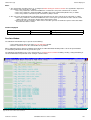
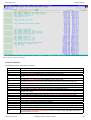
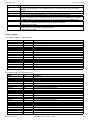
• If Keyed (Sorted) or Keyed (Unsorted) synchronisation is selected, then panel Compare Files (formatted): Specify Key
fields is displayed. Note that Keyed synchronisation is required for Hierarchical Compare.
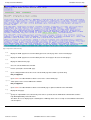
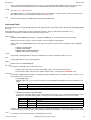
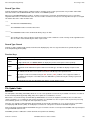
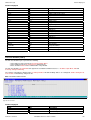
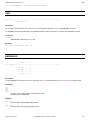
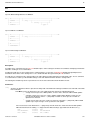
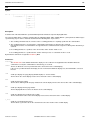
Read-Ahead ...
Select this option to use read-ahead record synchronisation.
Read-ahead synchronisation technique is suitable where the NEW and OLD files are predominantly comprise equal
records, although some may have been changed, inserted or deleted.
When a record mismatch is detected, the compare files utility will attempt to resynchronsise the current, mismatching
records by reading a specified number of records, first from the OLD file then from the NEW file, in order to find a match
on a specified number of consecutive records. If successful, a synchronised record pair may be established and the
compare operation continued from these records.
Note that, before attempting match data in a record pair, Read-ahead synchronisation of formatted records will first verify
that the record pair are of the same record type.
Records that have been skipped as a result of the read-ahead synchronisation are flagged as having been inserted or
deleted as appropriate.
For a detailed description, see "Read-Ahead Synchronisation".
This option corresponds to COMPFILE parameters SYNC READAHEAD.
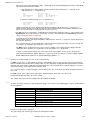
a maximum of RALimit rec(s).
The maximum number of records to read-ahead in each file when attempting to establish a synchronised record
pair.
For efficiency, this value should be only one more than the maximum number of expected consecutive
non-matching record pairs.
This field corresponds to the number n1 in the COMPFILE parameters SYNC READAHEAD(n1 n2).
Default value is 100.
Re-sync on RAMatch matching rec(s).
The number of consecutive matching record pairs that are required in order to establish a synchronised record
pair. If satisfied, the first matching record pair is identified as a synchronised record pair.
This field corresponds to the number n2 in the COMPFILE parameters SYNC READAHEAD(n1 n2).
Default value is 1.
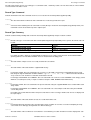
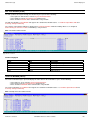
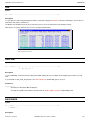
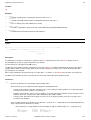
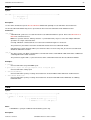
1-to-1
Select this option to use 1-TO-1 record synchronisation.
For 1-TO-1 synchronisation the files are assumed to contain corresponding records, so no attempt is made to
resynchronise.
For a detailed description, see "1-TO-1 Synchronisation".
This option corresponds to COMPFILE parameters SYNC 1TO1.
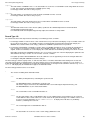
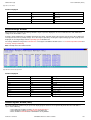
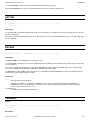
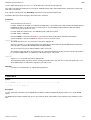
Keyed (Sorted)
Select this option to use Sorted Key Synchronisation or Sorted Hierarchical Key Synchronisation.
Keyed (Sorted) synchronisation type is suitable where the NEW and OLD files are sorted based on one or more key
segments within each record.
If this option is selected then a sub-panel will be opened, prompting the user to specify the required key segment(s).
An OLD and NEW file record may then be identified as a synchronised record pair when there is an exact match in all key
segments of the record.
Where data mismatches occur in other parts of the records comprising the synchronised record pair, then the record is
flagged as having been changed.
Records that are not established as being one of a synchronised record pair are reported as having been inserted or
deleted as appropriate.
2012-05-11 13:20:00
SELCOPY/i Reference and User Guide
128