1
Details
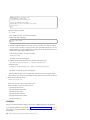
You receive the following message when you are attempting to add an OpenStack cloud to IBM Cloud
Manager with OpenStack. Error: Unreachable Cloud :CYX6154E: An error occurred while making the
OpenStack identity service token request for user 'sceagent'. The identity service responded
with the following status: 500 - Error occurred when dealing with PKI token. The internal reason
is '__init__() got an unexpected keyword argument 'output'' Verify that the identity service is
running, and that the user name, password and tenant name are correct. Contact your system
administrator for assistance.
Solution
Due to time change on the deployment server, or because a Network Time Protocol (NTP) server is not
being used, the self-signed certificates that are used for PKI tokens can become invalid. To fix the issue,
ensure that the deployment server operating system has the correct date and time. Then, use the
following steps to regenerate the tokens:
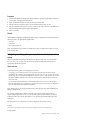
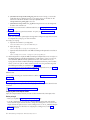
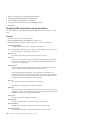
1. Stop the OpenStack keystone service. For more information, see “Restarting IBM Cloud Manager with
OpenStack services” on page 208.
Note: Stop only the keystone service.
2.
Clear the keystone certificates by using the following command:
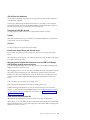
# rm -rf keystone base signing directory
Where keystone base signing directory is found in the /etc/keystone/keystone.conf file of the controller,
under the [signing] section. By default, the base signing directory is /etc/keystone/ssl.
3.
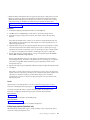
Generate new PKI keys. Alternatively, you can import external certificates.
a. Find the keystone user and keystone group by running the following command on the OpenStack
controller:
ls -la /etc/keystone/ssl
The keystone user is the owner of that directory. The keystone group is the group that is
identified for that directory.
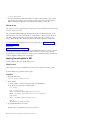
b. Use the following command to generate new PKI keys:
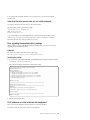
# keystone-manage pki_setup --keystone-user keystone user --keystone-group keystone group
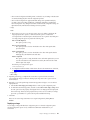
4. Verify the new ticket by using the following command.
# openssl x509 -in
/etc/keystone/ssl/certs/signing_cert.pem -text -noout
The output lists the current date and time in the output for the Not Before value.
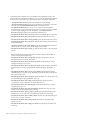
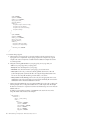
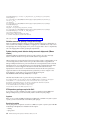
5. Clear the PKI signing caches on the OpenStack controller by using the following commands:
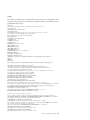
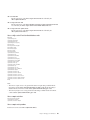
rm
rm
rm
rm
rm
rm
/var/cache/ceilometer/api/*
/var/cache/cinder/api/*
/var/cache/glance/api/*
/var/cache/glance/registry/*
/var/cache/nova/api/*
/var/lib/neutron/keystone-signing/*
Note: If the signing_dir directory is not present, temporary caches are used. If temporary caches are
used, restarting the service creates a new cache.
6. Restart OpenStack services and the self-service portal. For more information, see “Restarting IBM
Cloud Manager with OpenStack services” on page 208.
Error opening sockets to server when using DB2
When you are running IBM Cloud Manager with OpenStack with DB2 as the database, you intermittently
encounter an unexpected condition that the server cannot fulfill the request.
Chapter 10. Troubleshooting and support
323