1
Installation Guide
Other Antivirus Applications
Antivirus software installed in the computer may block the Employee Desktop Live Viewer program.
Antivirus software may recognize the Employee Desktop Live Viewer as Spyware.keylogger, which is
considered possible threat to the computer and data stored within.
To successfully install and use the software, some configurations need to be done in the Antivirus
program.
Norton Antivirus
Here, we tell you the process of configuring Norton Antivirus 2011 for seamless installation of viewer
and agent files of the Employee Desktop Live Viewer.
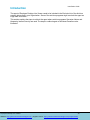
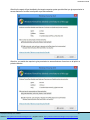
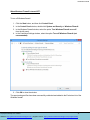
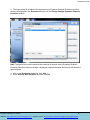
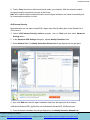
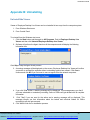
After downloading the setup files of the Employee Desktop Live Viewer, when you extract them, the
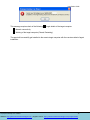
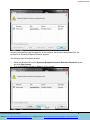
Norton Antivirus displays the following message:
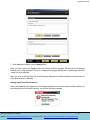
The message clearly indicates that the Norton Antivirus has recognized the Employee Desktop Live
Viewer software as Spyware.Keylogger; therefore, it has been blocked from extraction. To seamlessly
extract the setup files, you need to add the software folder in the exclusion list of the Norton Antivirus
program.
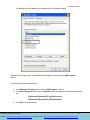
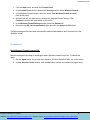
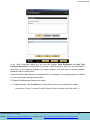
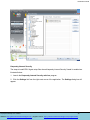
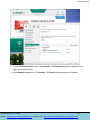
To add the software folder having setup files, to the exclusion list of the Norton Antivirus program,
execute the following steps:
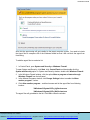
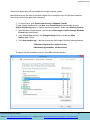
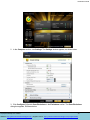
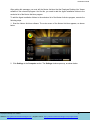
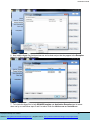
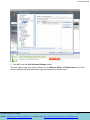
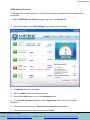
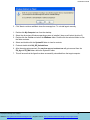
1. Start the Norton Antivirus program. The main page of Norton Antivirus 2011 appears, as shown
below:
Employee Desktop Live Viewer
32
Website: http://www.nucleustechnologies.com | Support Center: http://www.nucleustechnologies.com/supportdesk/