1
Installation Guide
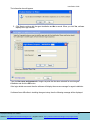
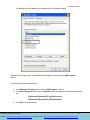
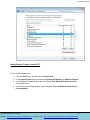
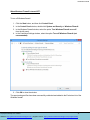
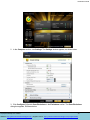
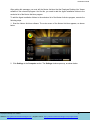
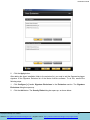
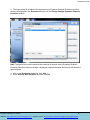
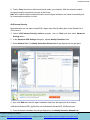
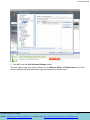
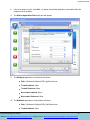
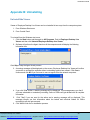
5. Under the Application rules tab select All applications from the drop-down list box.
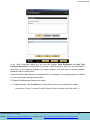
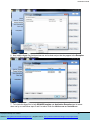
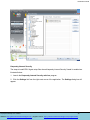
6. Now, select the installation folder which contains the Agent setup files (NUWatch and NUAgent).
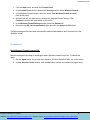
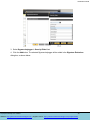
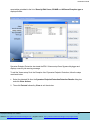
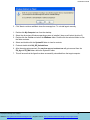
7. Right-click on NUWatch. Select Move to group from the list and then select Trusted.
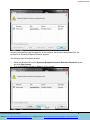
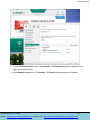
8. Click OK.
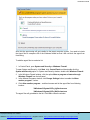
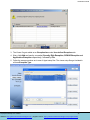
9. Repeat step 6 with NUAgent file as well.
This way NuWatch and NUAgent programs get added as trusted applications and are not blocked by
Kaspersky firewall settings.
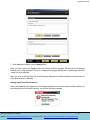
Note: In case of Kaspersky antivirus, please turn off protection before installing Agent files to the
computer where it is installed. Otherwise it will delete the Agent & Viewer setup files quickly from their
locations.
Employee Desktop Live Viewer
50
Website: http://www.nucleustechnologies.com | Support Center: http://www.nucleustechnologies.com/supportdesk/