1
MICROSCOPE Application Program
http://www.ViTiny.com
1. Application Program Interface Introduction
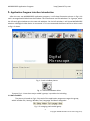
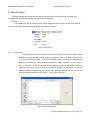
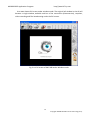
After the user use MICROSCOPE application program, it will show illustration picture in Fig.1-1.A
tool is arranged and divided into the window. The main button and file tabulate is in 3 groups, which
the left and right windows are the two sub windows. On the left window, it will show MICROSCOPE
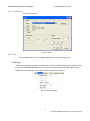
whether USB digital video device is connected. If it’s not connected the button will be a white result
as Fig.1-2 shows.
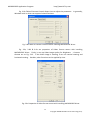
Fig. 1-1 main window picture
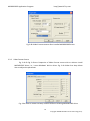
Fig. 1-2 connected button white
To prove Fig. 1-1 into three major model's groups, it provides the including:
1.1 Main Toolbars
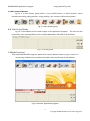
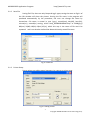
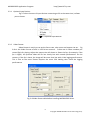
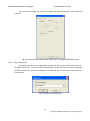
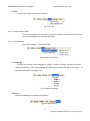
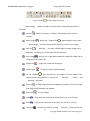
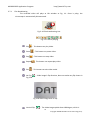
The picture is based on Fig.1-3 the tool of the application program arranges the group,
which includes File, Setting, Window, Tool, Language and About altogether.
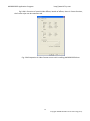
Fig. 1-3 arranging tools model group
4
Copyright © 2008-2012 MicroLinks Technology Corp.