1
UM-CAM Application Program
4.3.3
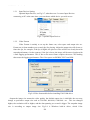
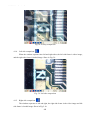
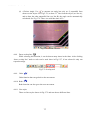
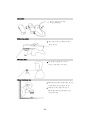
Left hand to look at observation “
”
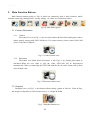
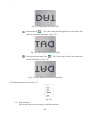
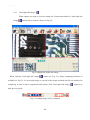
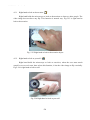
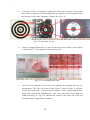
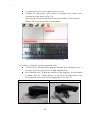
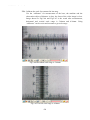
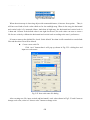
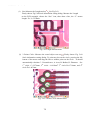
Left hand holds the microscope to look at the observation or observes other people.
When the right hand holds the microscope, selects this function, it lets the video image to flip
vertical and horizontal. Fig.5-25 is left hand to look at observation.
Fig.5-25 Left hand to look at observing object
4.3.4
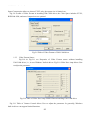
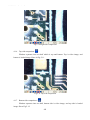
Left hand to look at yourself “
”
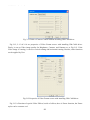
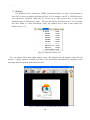
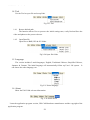
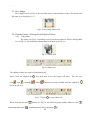
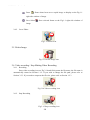
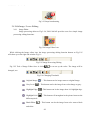
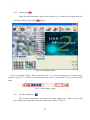
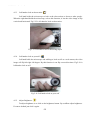
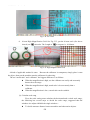
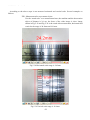
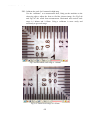
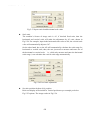
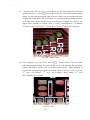
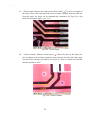
Left hand holds the microscope and whiling to look at self as a web camera, the video
image will flip left-right 180 degree. By this function it can flip correct directions. Fig.5-26 is
left hand to look at self.
Fig.5-26 Left hand to look at your self
4.3.5
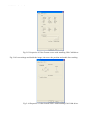
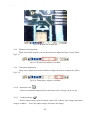
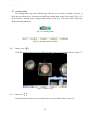
Adjust Brightness “
”
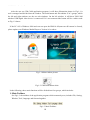
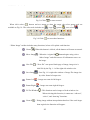
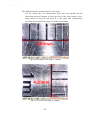
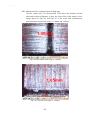
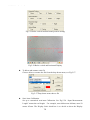
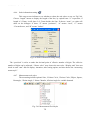
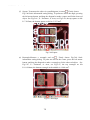
To adjust brightness is to click on the brightness button. By scrollbar adjust brightness.
If want to default just click it again.
55
41