1
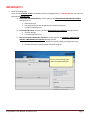
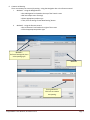
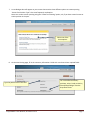
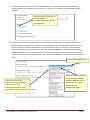
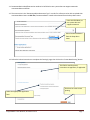
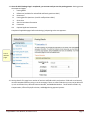
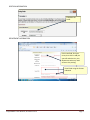
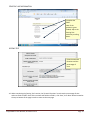
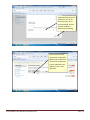
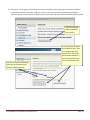
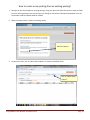
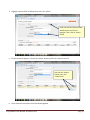
 3. You will be returned to PeopleAdmin User Login Page with a message that your request was successfully submitted for approval. Once the User Account is approved, you will receive an e‐mail notifying that your account has been approved. 4. Change User Group: After successful login, if you are assigned more than one user type, click the User Group drop down menu located to the immediate right of your name. Select ‘Originator’ from the menu, then, click the refresh arrow “ “. You must be logged in as ‘Originator’ in order to create postings and have access to application materials. Your name will appear here. Select the appropriate user type and click ‘refresh’ arrow. PeopleAdmin:UserManual,November2014
Page2