1
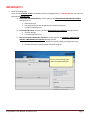
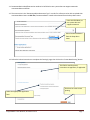
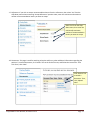
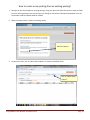
1. Go to PeopleAdmin website: https://jobs.wright.edu/hr I.
Returning Users: Login with your username and password. II.
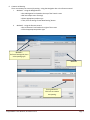
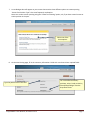
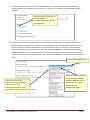
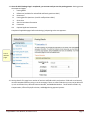
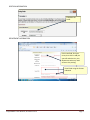
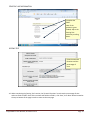
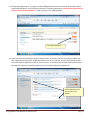
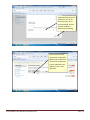
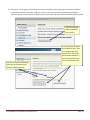
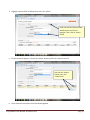
First Time Users: Click ‘Request an account’ link located at the bottom right of the login box. You will be taken to the Account Request Form. Click ‘Request an account’. 2. Enter all required information on this form and click ‘Save’. Click ‘Save’ button. PeopleAdmin:UserManual,November2014
Page1