1
Introduction
Introduction
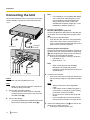
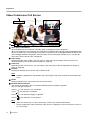
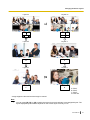
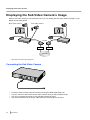
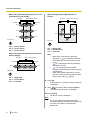
Feature Highlights
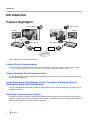
Video camera
Video camera
Display
Display
Microphone
Microphone
DCE *1
DCE *1
Router
Router
Internet
*1
DCE: Data Circuit-terminating Equipment
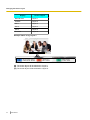
Lifelike Visual Communication
You can experience lifelike visual communication with smooth, high-quality video and clear stereo*1 sound.
*1
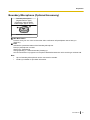
If using 2 or more Boundary Microphones, stereo output can be enabled through system settings (Page 89).
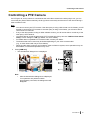
Simply Operated Visual Communication
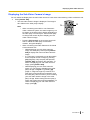
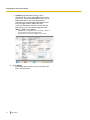
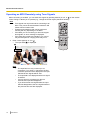
You can easily begin a video conference call by pressing the unit’s One-Touch Connection button followed by
the Start button (Page 35).
Home Electronics-style Remote Control Operation and Simple, Easy to
Understand Graphical User Interface
You can make settings and perform operations using familiar remote control operations and a simple, easy to
understand interface.
Stabilised Communication Quality
In periods of network congestion, automatic packet transmission rate quality control prevents packet loss to
maintain a video conference call’s image and sound quality. This allows visual communication with stabilised
communication quality even over an internet connection.
2
User Manual