1
Standard Floating License Manager Installation and User’s Guide
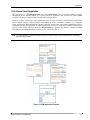
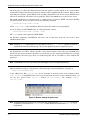
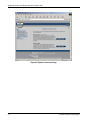
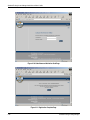
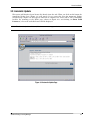
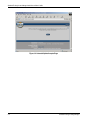
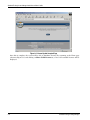
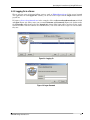
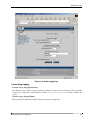
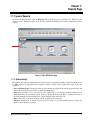
Figure 3-6: License Update Accepted Page
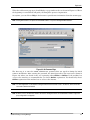
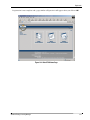
Once this is complete, the server will be able to distribute licenses. By returning to the Home page
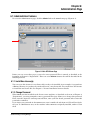
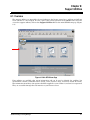
(shown in Figure 5-8) and clicking on Show Valid License(s), a list of all available licenses will be
displayed.
3-6
Standard Floating Licensing Manager