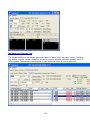
1
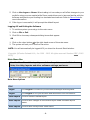
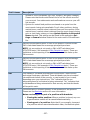
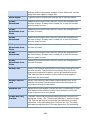
FILE
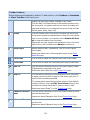
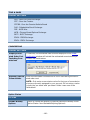
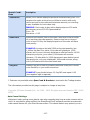
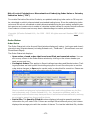
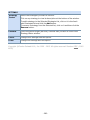
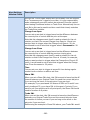
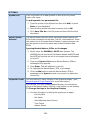
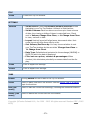
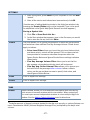
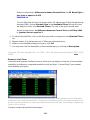
Save Stock List
As
Selecting this feature will allow you to save your current stock list
to a file on your computer, which you can load later.
Clear Stock List
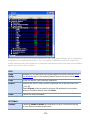
Unloads the current Stock List leaving you with a blank Print Ticker
window. This enables you to start a new Stock List from scratch by
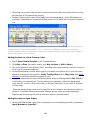
Adding Symbols (see Symbol List below for more info on adding
and deleting symbols).
0,1,2,3...
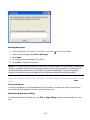
Print Ticker will remember the last ten (10) stock list files you have
opened. To toggle between files, click on any of them.
Close
Closes the Print Ticker window.
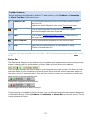
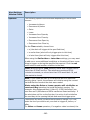
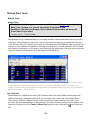
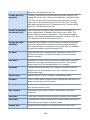
SETTINGS
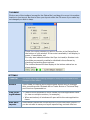
General
l
l
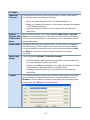
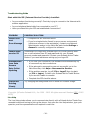
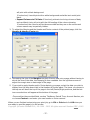
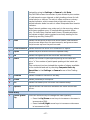
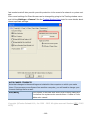
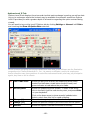
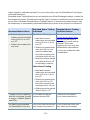
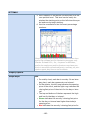
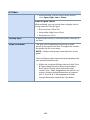
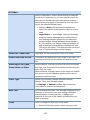
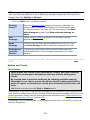
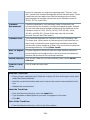
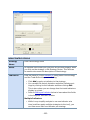
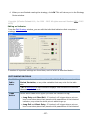
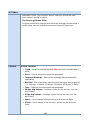
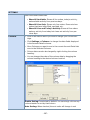
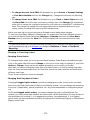
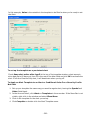
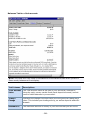
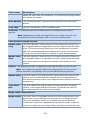
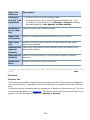
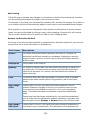
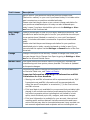
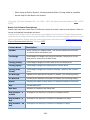
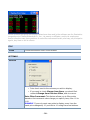
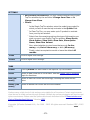
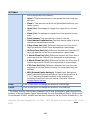
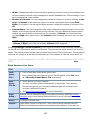
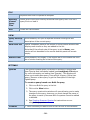
Put a check next to the columns you wish to display.
If you want to check Change from Open, you should first
uncheck Change from Previous Close, and vice versa.
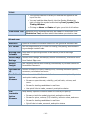
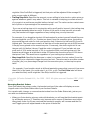
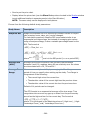
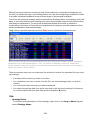
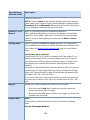
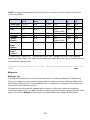
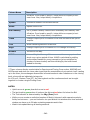
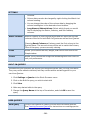
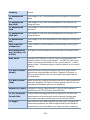
Data Filter Increment: This feature allows you to filter prints
based on the increment value change you specify here, from .01 to
1.00.
EXAMPLE If you only want new prints to display every time the
trade price changes by .10, set this to .10 using the arrow buttons.
Then when any of the stocks in your symbol list prints a trade .10
higher or lower than the last trade it printed, the symbol, quantity,
etc. will display in the Print Ticker window. The color will correspond to whether it's a negative or a positive change.
Note, however, that the increment value trails the trade price, so if
the price reverses down a few cents but not the full amount of the
- 362 -