1
T H E
A V P
S C A N N E R
&
Executive summary
The AVP Scanner is a program
checking objects for viruses by user
command .
The program has command line
options allowing you to define the scan location, scan settings, etc.
See section “Starting the AVP Scanner” for more detailed
information.
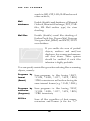
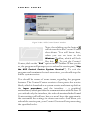
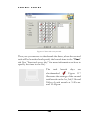
The program has the following tabs in the main window:
“Location” (choice of the scan location, i.e. drives and folders to
be scanned), “ Actions” (choice of the actions to be undertaken
upon the infected and suspicious objects), “ Options” (report and
additional scanning modes setup), “ Statistics” (overview of the
scanner program operation statistics)
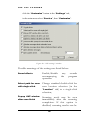
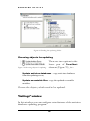
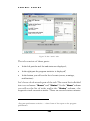
Some settings of the Scanner program can be adjusted, namely:
warning messages can be set on/off, automatic switching to
“Statistics” tab can also be enabled. These adjustments are made
in the “Customize AVP ” window. See section ““Settings”
window” for more detailed information.
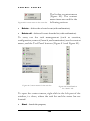
The AVP Scanner also has the main menu (See section “The
Program Main Menu”), including program control commands
and report window (See section “The Report Window”),
containing scanning results.
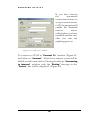
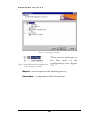
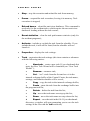
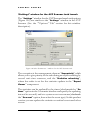
The “Find window” serves for the report search for strings and
their parts (See section ““Find” Window”). It can be called from
the “Tools” section by choosing the “ Find in report” item or by
clicking the “Customize” button in the “Options” tab.
67