1
D
7. 3 . 2 . D i s p l ay f i s c a l j o u r n a l
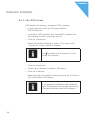
• In the menu bar click on <Reports\Display fiscal journal>.
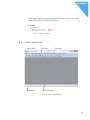
• In window ‘ECR marking’ tick those POS systems, the fiscal journal of which you want to display.
• Click on <Continue>.
• In window ‘Range’ you determine the period for which
the fiscal journal is to be displayed.
• If data from both, X-pollings and Z-pollings is to be displayed remove the tick in front of “Only Z-pollings”.
• Click on <Continue>
• Check your settings in window ‘Summary’.
• To show the selection click on <Execute>.
7. 4 . Te r m i n a te p ro g ra m
• To terminate the software Duratec Control click on <File\
Terminate> in the menu bar.
21