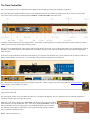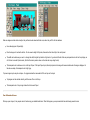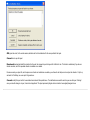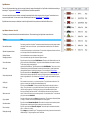
1
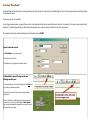
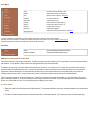
Scenery Properties: Text
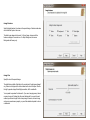
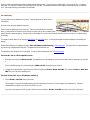
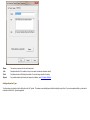
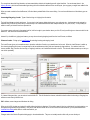
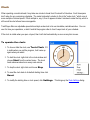
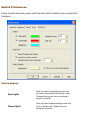
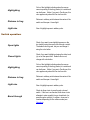
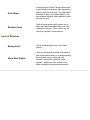
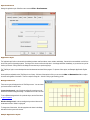
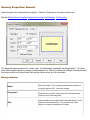
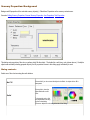
Text properties of the selected scenery object(s). Called from Properties on the scenery context menu.
See also: Editing Scenery Properties, General Scenery Properties, Background Properties, Line Properties.
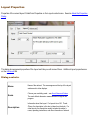
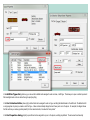
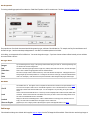
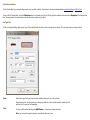
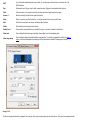
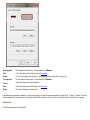
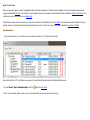
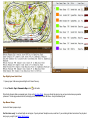
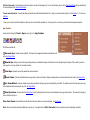
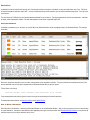
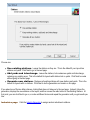
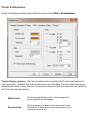
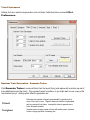
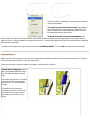
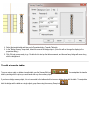
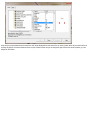
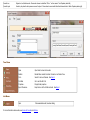
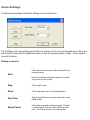
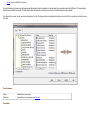
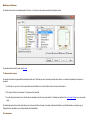
This dialog is used to add text to an object and specify its style. You may enter a single line or multi-line block of
text to be displayed in the box, aligned left, right, or center. If multiple objects are selected, the text is applied to
each individually. If a grouped object is selected, the text is displayed on top of the group.
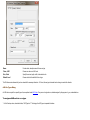
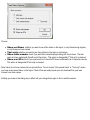
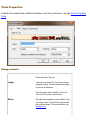
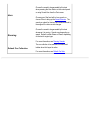
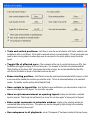
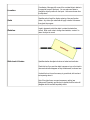
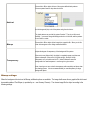
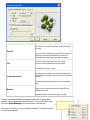
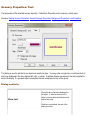
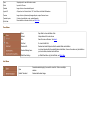
Dialog controls:
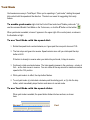
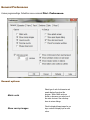
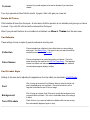
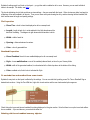
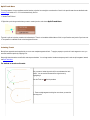
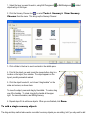
Show text
Check this box to have text displayed on
the object. In order to see text on the
object, you must both check this box and
enter a text string.
If this box is unchecked, the rest of the
dialog is inactive.