1
ACCESS GATEWAY
Load Balancing (8.2)
Load Balancing is an optional licensed feature for NSE 8.2. For an overview of Nomadixload
balancing and common use cases, see “Load Balancing and Link Failover” on page 26.
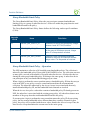
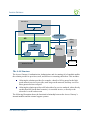
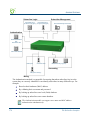
The NSE can balance subscriber assignment between all active WAN interfaces when Load
Balancing mode is enabled. Note that subscribers are balanced, not traffic.
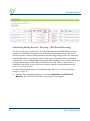
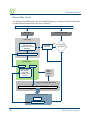
As subscribers go valid, they are assigned to a WAN interface, taking account of both the
Uplink bandwidth settings of the interfaces and the number of subscribers currently using each
interface. Higher bandwidth settings will mean more subscribers will be assigned to that
interface. The subscriber will use the assigned interface for all traffic.
If a WAN interface goes down, the subscribers currently assigned to that interface will be reassigned to the remaining interfaces. Once that interface is restored, current subscribers will
NOT be re-assigned, but new subscribers can be assigned to that interface (in accordance with
the load balancing algorithm).
An NSE reboot will rebalance all subscribers.
Subscribers will use the IP address of their WAN port (or assigned additional NAT address) for
their DAT sessions.
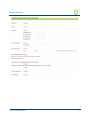
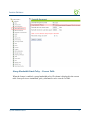
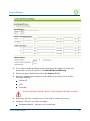
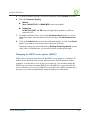
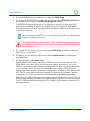
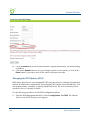
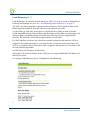
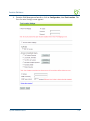
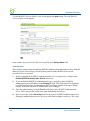
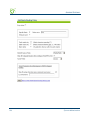
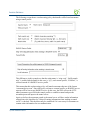
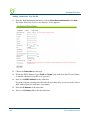
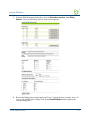
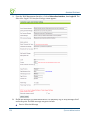
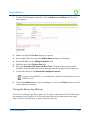
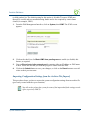
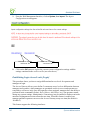
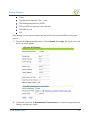
To configure load balancing, choose Configuration>Load Balancing.
?
122
System Administration