1
NMS300 Network Management System Application
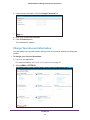
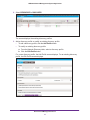
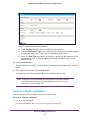
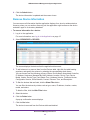
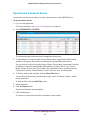
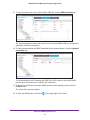
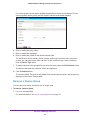
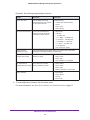
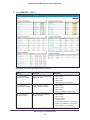
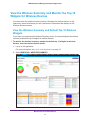
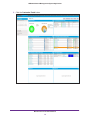
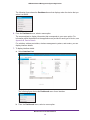
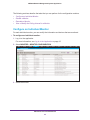
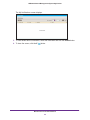
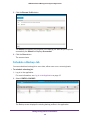
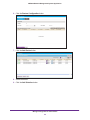
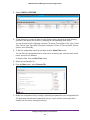
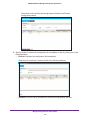
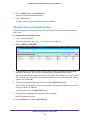
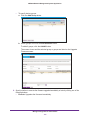
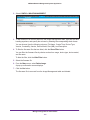
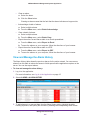
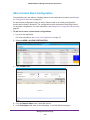
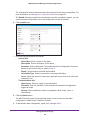
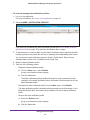
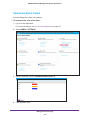
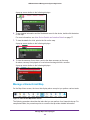
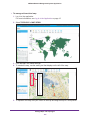
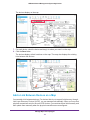
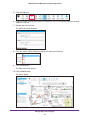
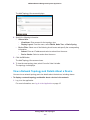
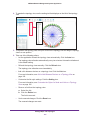
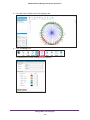
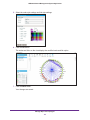
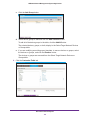
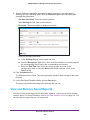
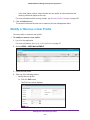
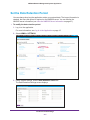
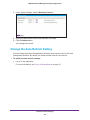
The following figure shows the Dashboard menu that displays when the device that you
select is a switch.
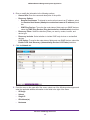
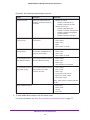
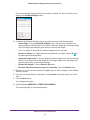
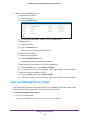
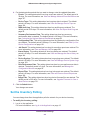
6. From the Dashboard menu, select a menu option.
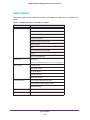
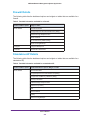
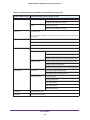
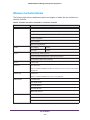
The screen adjusts to display information that corresponds to your menu option. For
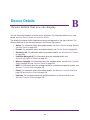
information about the details that the application can provide for each type of device, see
Appendix B, Device Details.
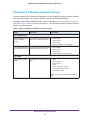
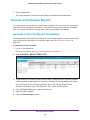
For switches, wireless controllers, wireless management systems, and routers, you can
display interface details.
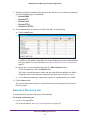
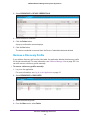
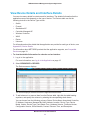
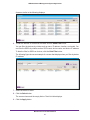
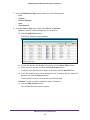
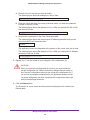
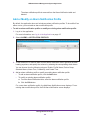
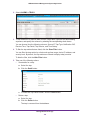
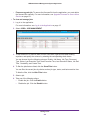
7. To display interface details:
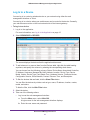
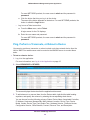
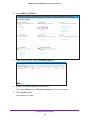
a. Select Interface List.
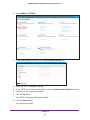
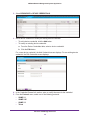
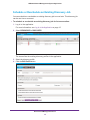
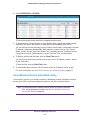
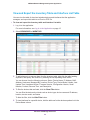
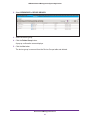
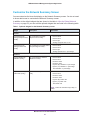
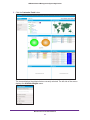
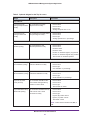
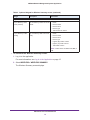
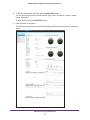
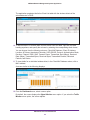
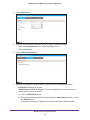
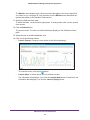
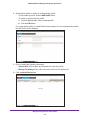
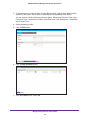
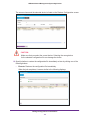
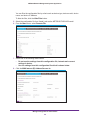
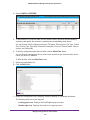
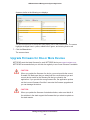
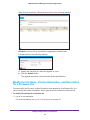
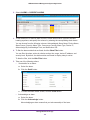
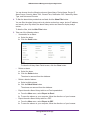
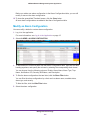
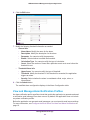
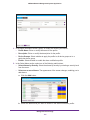
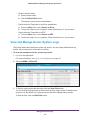
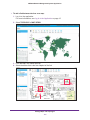
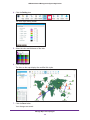
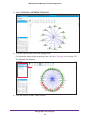
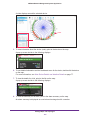
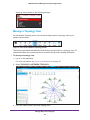
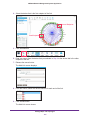
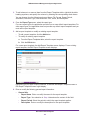
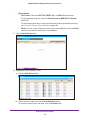
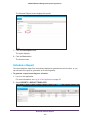
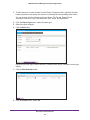
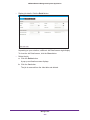
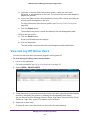
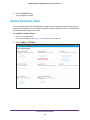
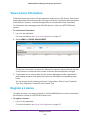
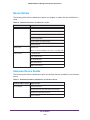
The following figure shows the Dashboard menu for an interface:
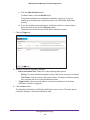
b. From the Dashboard menu, select a menu option.
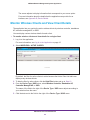
Monitor Devices and the Network
79