1
Oxygen XML Author plugin | The Review Mode | 596
The Review Mode
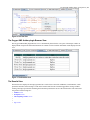
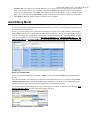
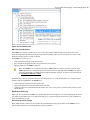
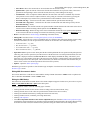
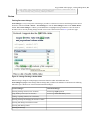
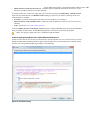
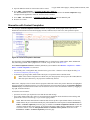
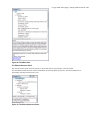
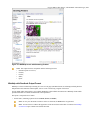
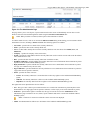
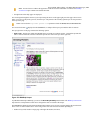
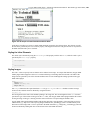
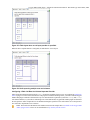
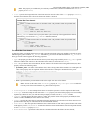
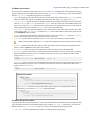
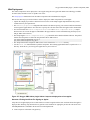
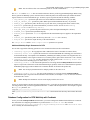
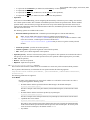
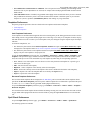
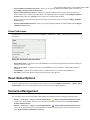
The Review mode in the WebApp Reviewer provides an intuitive interface that enables you to view documents and
document edits. Swipe right to display the Review panel at the left of the editing area. This panel presents comments
and tracked changes. A Preview panel is also available at the bottom of the editing area. It displays the current comment
or tracked change and the author who inserted it..
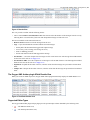
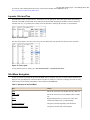
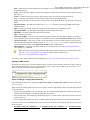
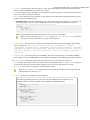
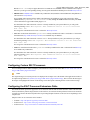
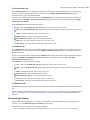
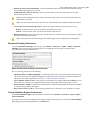
To insert a comment, select the text that you want to comment on and touch Add comment at the bottom of the editing
area. You are able to navigate between comments using the two arrows (left and right) from the Preview panel. To make
changes to a comment, touch Edit.
The Edit Mode
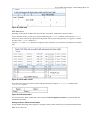
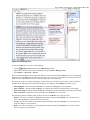
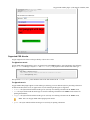
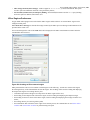
The Edit mode in the WebApp Reviewer allows you not to only review a document but to also make changes to it. You
also have the possibility to enable the Track Changes support and record all the edits you make.
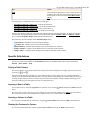
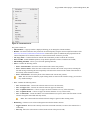
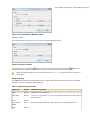
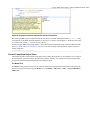
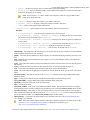
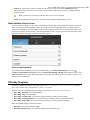
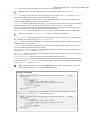
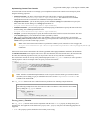
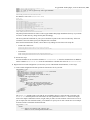
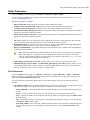
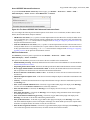
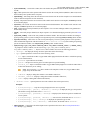
When you swipe right, the Toolbar panel is displayed at the left of the editing area. This panel lets you enable the track
changes support, display the content completion list of proposals, undo/redo a change, and rename an element.
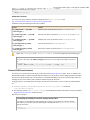
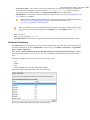
Important: On Android devices the content completion list of proposals might display undefined elements.
To avoid this, go to Settings > Bandwidth Management > Reduce data usage and select OFF.