1
Oxygen XML Author plugin | The DocBook 5 Document Type | 222
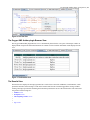
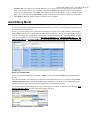
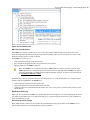
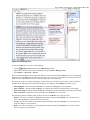
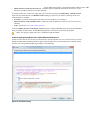
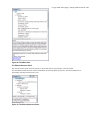
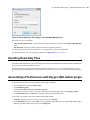
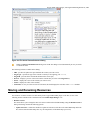
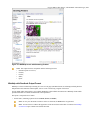
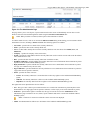
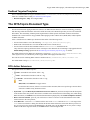
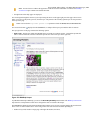
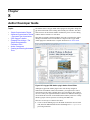
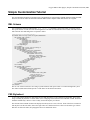
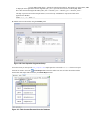
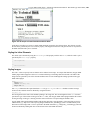
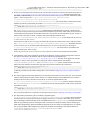
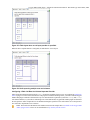
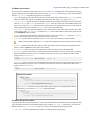
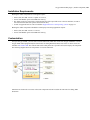
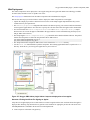
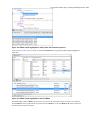
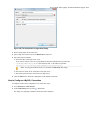
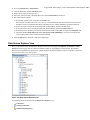
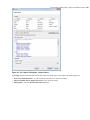
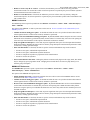
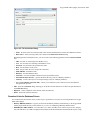
Figure 115: The layout of the Feedback-Enabled WebHelp System
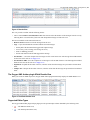
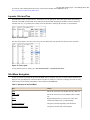
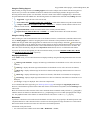
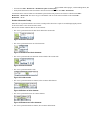
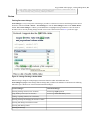
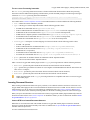
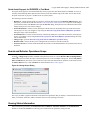
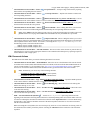
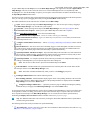
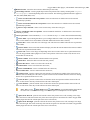
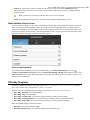
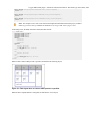
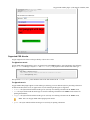
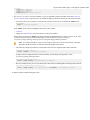
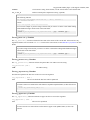
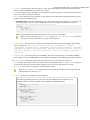
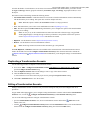
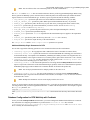
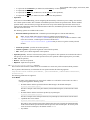
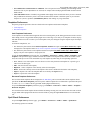
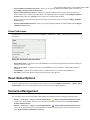
After you log in, your name and user name are displayed in the Comments bar together with the Log of and Edit buttons.
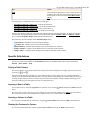
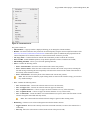
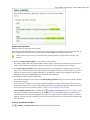
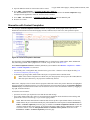
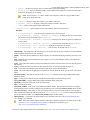
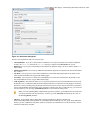
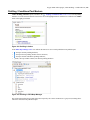
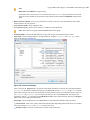
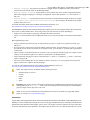
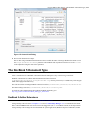
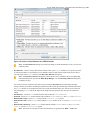
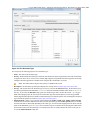
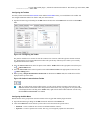
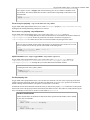
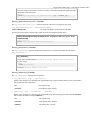
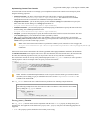
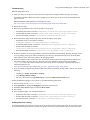
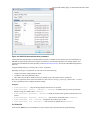
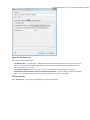
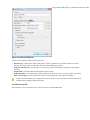
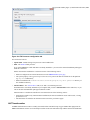
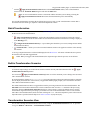
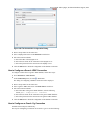
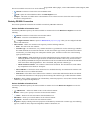
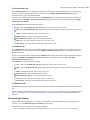
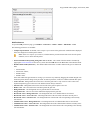
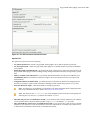
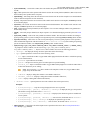
Click the Edit button to open the User Profile dialog. In this dialog you can customize the following options:
•
•
•
Your Name - you can use this field to edit the initial name that you used to create your user profile;
Your e-mail address - you can use this field to edit the initial e-mail address that you used to create your profile;
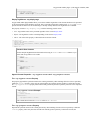
When to receive an e-mail:
•
•
•
•
when a comment is left on a page that you commented on;
when a comment is left on any topic in the Help system ;
when a reply is left to one of my comments.
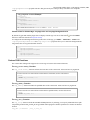
New Password - allows you to enter a new password for your user account.
Note: The Current Password field from the top of the User Profile is mandatory in case you want to save
the changes you make.
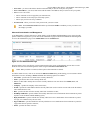
Advanced Customization and Management
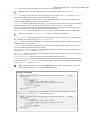
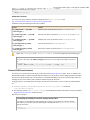
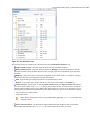
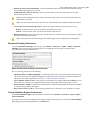
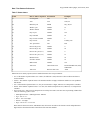
As an administrator, you have full access to all the features of the feedback-enabled WebHelp system. Apart from the
options available for a regular user, you can also use the administrative page for advanced customization and management.
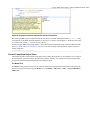
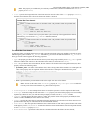
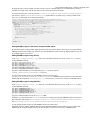
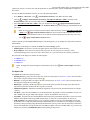
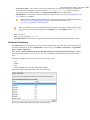
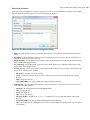
To access the administrative page, select Admin Panel from the Comments bar.