1
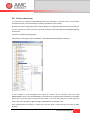
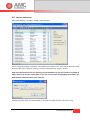
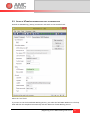
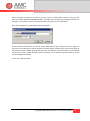
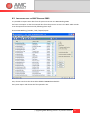
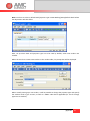
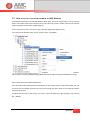
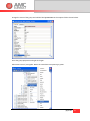
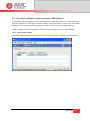
Now all vendors and their affiliated bank and payment types will appear.
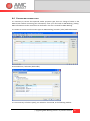
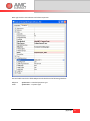
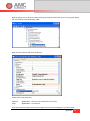
To change bank and payment type, press Change.
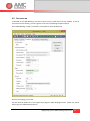
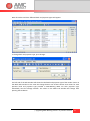
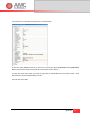
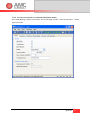
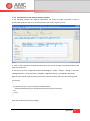
The left side of the Edit window will show the valid bank and payment type of the vendor chosen in
the Multi Edit window at the time the Change button was clicked. Choose new values for each
previous bank and payment type possible in AMC-Banking 2009. For each payment type,
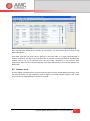
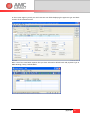
individually start the Change window. The values in the Multi Edit window will change after
pressing the OK button.
| Upgrading AMC-Banking from 4.x or previous versions
21