1
EDINGCNC
Manual
M56 Ex
Read analogue input, result stored in #5399
Ex: x is input number
M56 E3
Msg “analog value is ”#5399
Read other inputs using M56
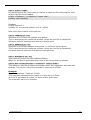
M56 Px
Home Inputs: x = 51 – 56 (X .. C)
Probe Input: x = 61
Sync Input: x = 62
HWA Input: x= 63
HWB Input: x= 64
ESTOP1:
x=65
ESTOP2:
x=66
EXTERR:
x=67
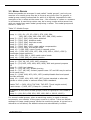
Example, read home-input of X axis:
M56 P51
If [#5399 == 1]
Msg “HOMEX=ON”
Else
Msg “HOMEX=OFF”
endif
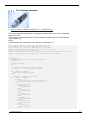
Optional IOCARD
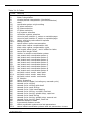
If the new I2C GPIO CARD is used, the IO number P or E is specified as follows:
103 means card 1 port 3.
208 means card 2 port 8
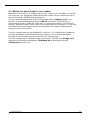
A axis clamping M26, M27
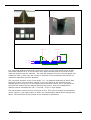
The A axis is often used to rotate the work piece on the machine and then do
milling on that side of the work piece. To be sure the work piece is fixed at its
place an axis clamp (Brake) can be used for A.
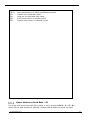
M26 P1 enables the clamp and the optional P1 specifies the output that controls
the brake, P1 means AUX 1. (See also M54)
M27 P1 disables the clamp and the optional P1 here specifies the output
controlling the brake.
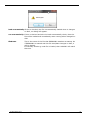
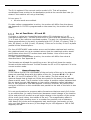
When M26 is active, the software does not accept movements g-code and
jogging, an error message will appear that the A axis is clamped.
04 December 2015
Release 4.02
158