1
Objects
13
Monitoring the content of the object during print
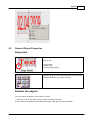
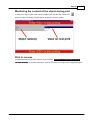
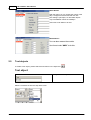
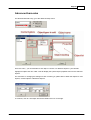
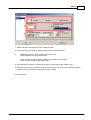
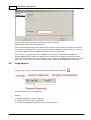
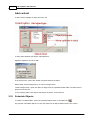
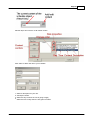
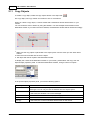
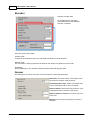
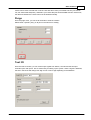
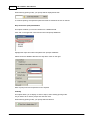
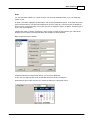
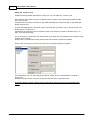
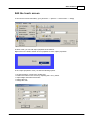
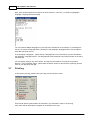
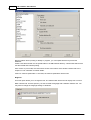
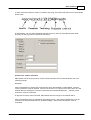
To monitor an object in print mode, select the object and click the print monitor icon.
When you enter print mode, the value will be displayed in the print window.
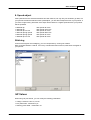
Print in reverse
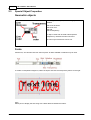
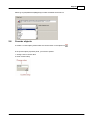
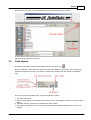
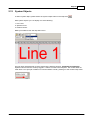
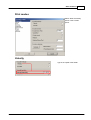
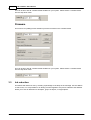
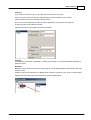
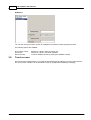
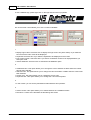
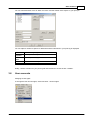
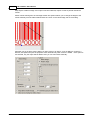
All objects that are not geometric objects can be reversed. Content of reversed objects will be
displayed like this. To activate reverse print, click the
© 2009 HSA SYSTEMS
button to the right of the magnification glass.