1
4. Advanced Mode
4. Advanced Mode
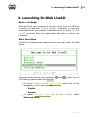
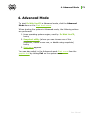
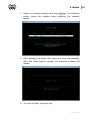
To start Dr.Web LiveCD in Advanced mode, click the Advanced
Mode item on the Start boot menu.
When starting the system in Advanced mode, the following actions
are performed:
1. Linux operating system engine, used by Dr.Web LiveCD,
boots;
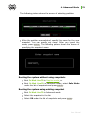
2. Snapshot utility (where you can choose one of the
snapshots, create a new one, or disable using snapshots)
boots;
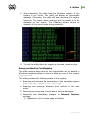
3. Start menu appears.
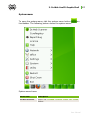
You can also switch to the Advanced mode Start menu from the
graphic shell by clicking Exit on the system menu.
User Manual
73