1
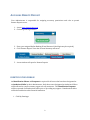
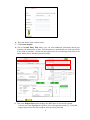
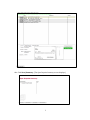
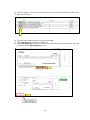
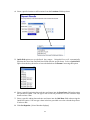
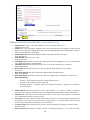
8. Click Next/Summary if there are no more corrections to be made in this deposit. You will
return to the Open Deposits screen.
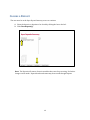
RESCANNING A CHECK
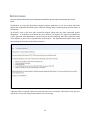
A check that may have jammed, piggybacked or the image quality was bad during scanning may
need to be rescanned to obtain a better image. When this occurs, a notification will be sent to the
user and the deposit will be reopened.
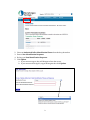
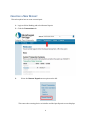
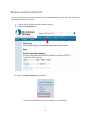
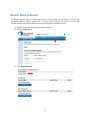
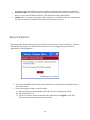
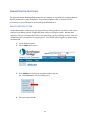
1 . Access Open Deposits screen.
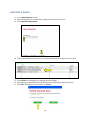
2. Select the deposit to be reopened by clicking on the box to the left of it.
3. Click Open Existing Deposit.
11