1
CH 3 How to Use
3-4. SETUP Mode
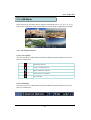
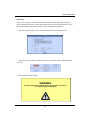
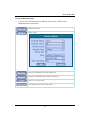
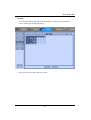
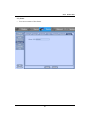
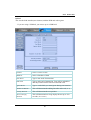
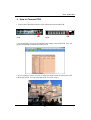
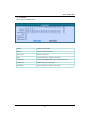
Access Setup menu from Right Clicking mouse button to Popup Menu.
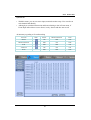
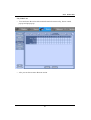
Configure Display, Record, Device, Network, System which is navigated by clicking on
corresponding tab menu at the top of the screen.
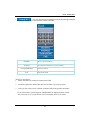
Apply
Apply changes
Default
Return to factory default settings.
3-4-1. Display
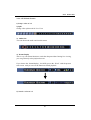
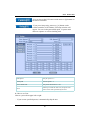
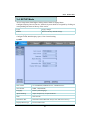
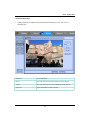
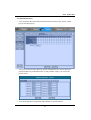
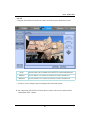
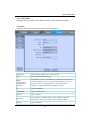
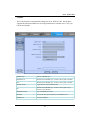
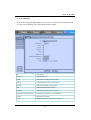
Configure OSD, Main Display, Spot, Color Control setting.
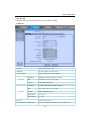
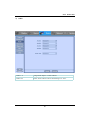
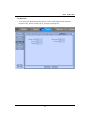
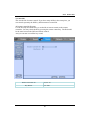
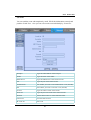
1) OSD
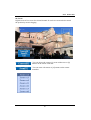
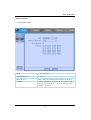
Date Format
YYYY/MM/DD, MM/DD/YYYY, DD/MM/YYYY
Time Format
24HR, 12H(AM/PM)
Language
Select system language.
Alpha Blending
Adjust transparency of System Menus.
OSD
OSD On/Off
Information Bar
Information Menu Bar Hide always/Auto hide/ Show always
Display HDD Usage
Percent/Oldest Date
35