1
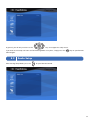
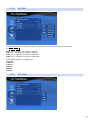
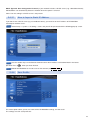
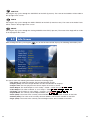
Modern digital displays will probably support both refresh rates, but may have a preference. Refer to your display’s
manual for more information.
HD MediaBox will automatically set SD outputs to PAL if 50Hz is chosen and NTSC if 60Hz is chosen.
60Hz
50Hz
5.4.2
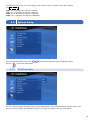
TV Shape
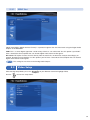
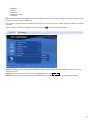
Make sure this setting corresponds to the physical shape of your display. The numbers refer to the Aspect Ratio of
the display - width:height.
4:3: Use this setting if your display is not widescreen.
16:9: Use this if you have either a) a widescreen display b) a 4:3 display which has a 16:9 mode activated (refer to
your display’s manual).
This setting is saved as part of a Profile (see section 5.4.6).
5.4.3
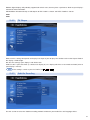
Subtitle Encoding
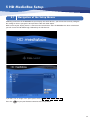
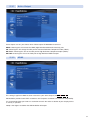
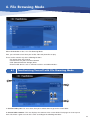
Use this section to select the Subtitle encoding method suitable for your media files and language choice.
41