1
•
•
•
•
•
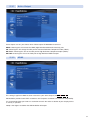
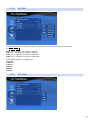
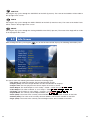
Brightness
Contrast
Saturation
Subtitle Encoding
TV Shape
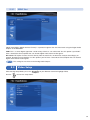
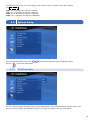
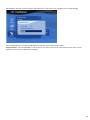
When a Profile number is highlighted, a hint at the bottom of the screen will say whether the profile is already used
and if so, what the current settings are.
This feature is useful for use with different media types, from different sources, where settings are likely to vary from
file to file.
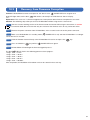
Profiles can be recalled during playback by pressing the
5.4.7
key on the Remote Control.
Software
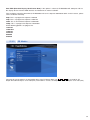
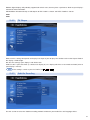
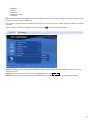
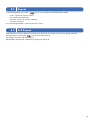
Default: Selecting this will return all HD MediaBox settings to their default factory settings (Firmware version will
remain the same)
Upgrade: Selecting this will start the firmware upgrade process (see section 9).
Reboot: Selecting this will reboot (restart) HD MediaBox. This should be done after a change in IP Settings.
44