1
View and Maintain the Flash Load List
The flash load list enables you to view or delete the images that have been installed on the adapter.
To view the flash load list:
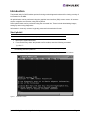
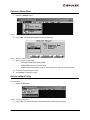
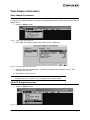
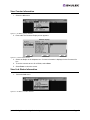
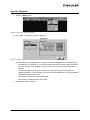
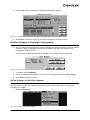
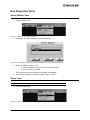
1. Select the Flash menu.
Figure 40: Flash Menu, Display Flash Selected
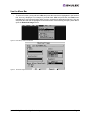
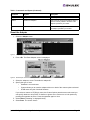
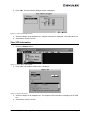
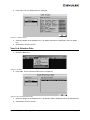
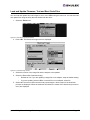
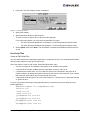
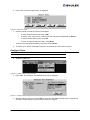
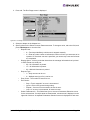
2. Press <F>. The Flash Load List screen is displayed.
Figure 41: Flash Load List Screen
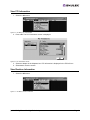
3. Select the adapter. The flash load list Information is displayed for the selected adapter.
4. Select Done to close the screen.
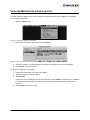
To delete an image from the adapter:
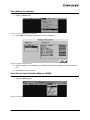
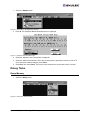
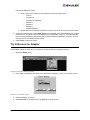
1. Display the flash load list and select an adapter.
2. Select the image you want to delete.
3. Select Delete.
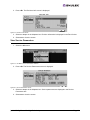
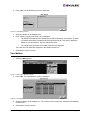
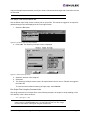
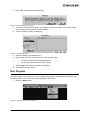
A warning screen is displayed. On the warning screen, select Delete to delete the file, or Cancel
to close the warning screen and cancel the delete.The image selected in the Images box is
deleted.
4. Select Done to close the screen.
lp6dutil Utility Manual for LightPulse Adapters
Page 18