1
Chapter 6: Security Mechanisms
Using URL Filter Objects
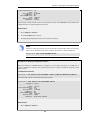
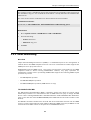
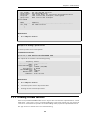
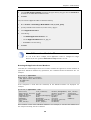
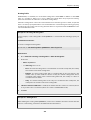
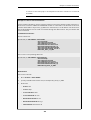
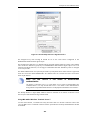
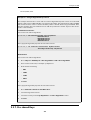
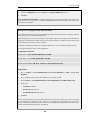
An alternative method for URL filtering is to define a separate URL Filter object. These are used in
the following series of steps:
•
Define the URL to be filtered in a URL Filter object.
•
Select or create a service which has the Protocol property set to be HTTP or HTTPS or both. A
created service object should have the port number set appropriately.
•
Use this service object as the service of an IP policy that filters the relevant traffic.
•
Set the URL filter of the IP policy to the URL filter created in the first step. This last step will
only be possible if the appropriate service has already been assigned to the policy.
URL Filtering with HTTPS
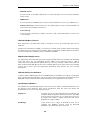
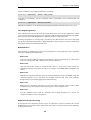
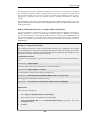
If URL filtering is to be done on HTTPS traffic, this could be done in the following ways using the
two static filtering methods described above:
•
•
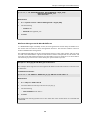
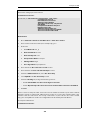
Using an IP Rule
1.
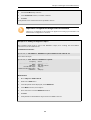
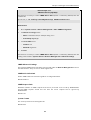
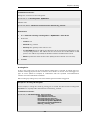
Create an HTTP ALG object, set the URL filter and set the Allowed Protocol to be HTTPS.
2.
Use this ALG in a service object. The service object could be an existing or created object
that allows HTTPS traffic. The service must include the port number 443.
3.
Use the service object in an IP rule.
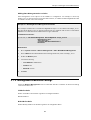
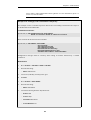
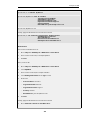
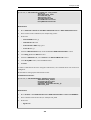
Using an IP Policy
1.
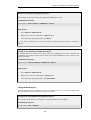
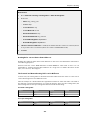
Create a URL Filter object.
2.
Select or create a service which has the Protocol property set to be HTTPS. The service
must include the port number 443.
3.
Use the service object with an IP policy that filters the relevant traffic.
4.
Set the URL filter of the IP policy to the filter created earlier.
Note: HTTPS encryption limits filtering options
HTTPS traffic is encrypted so that NetDefendOS can only perform URL filtering and
dynamic web content filtering on it.
6.3.4. Dynamic Web Content Filtering
6.3.4.1. Overview
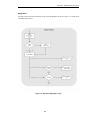
As part of the HTTP ALG, NetDefendOS supports Dynamic Web Content Filtering (Dynamic WCF) of
web traffic, which enables an administrator to permit or block access to web pages based on the
content type of those web pages.
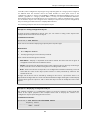
Dynamic WCF can be configured to work with HTTP or HTTPS connections or both.
383