1
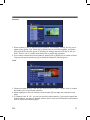
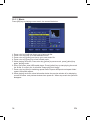
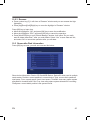
2. Menu Lock determining that when user wishes to enter “Installation” menu and “Channel List/Edit/Del all/Auto scan/channel scan/Load default/upgrade”, whether have to
input Password or not. If the setting of “Menu Lock” is “ON” which means user have to
key in password, set “OFF” means unlock.
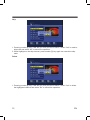
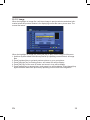
3. Channel Lock can set the channel which user wants to lock it. It has options “Off/Manual/Age:4~Age18”. OFF means turn off program lock function. Manual means user
manually lock which program he want to lock, if this option is selected, user must enter
channel list and mark it as locked(please reference 3.1 TV channel list\Edit). Age4 to
Age18 means lock all programs by the programs age limit level, for example, Age 13
is selected, the age limit level no. greater than 12 will be locked. You have to input
password to unlocked.
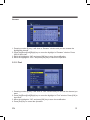
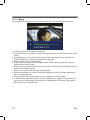
4. New Password is used for revising password; you can press [OK] key firstly then input
the new password in this item by using number keys directly. After you filled in 4 digital
numbers, the highlight will auto skip to Confirm Password and ask you to input the
new password again. If the password is correct, the screen will show up a message of
“Change password successfully”.
EN
23