1
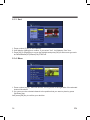
10.1.4 Bottom buttons
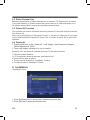
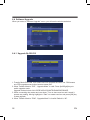
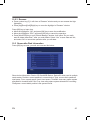
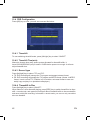
You can press [left/right] key to moving highlight to 5 bottom buttons, about:
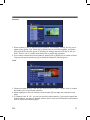
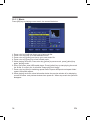
Imglist:
Press [FAV] or number key [2] in file list to add favor
image files to Image list.
● Press [OK] key then system default slide show pictures by repeating image list files
● If image list is empty, it will show ” Image play list is empty”.
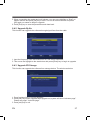
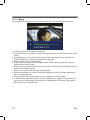
Music list:
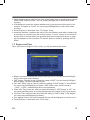
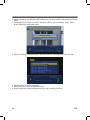
● Press [FAV] or number key [2] in file list to add favor music files to music list. Press
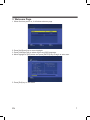
[OK] key to enter, you will see the screen like below:
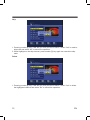
● Press [up/down] key to moving highlight.
● Press color key [red] to start play files in music list.
● Press color key [yellow] to delete file one by one from music list.
● Press color key [blue] to delete all music files in list.
● If music list is empty, it will show “Music play list is empty”
● Press [exit] key to exit music list menu.
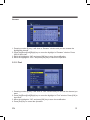
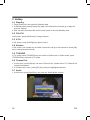
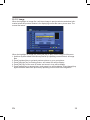
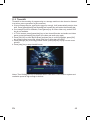
Image list:
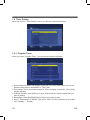
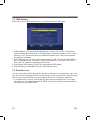
Press [FAV] or number key [2] in file list to add favor image files to Image list.Press [OK]
key to enter “Image list”
EN
37