1
Appendix E:
How to set up IP CAMERA through Router
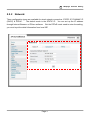
Because of the router have many different type on the market in the world. You only need to
note the main setting in this manual. And then refer the other router manual, you can set up the
virtual server function in other router.
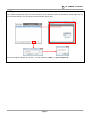
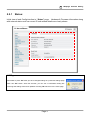
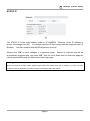
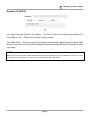
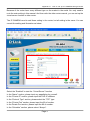
The IP CAMERA need to add three setting in the router, but all setting is the same. You can
consult the setting and illustration as below:
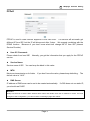
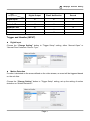
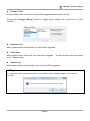
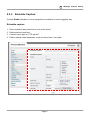
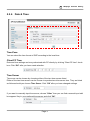
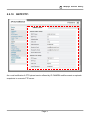
IP CAM
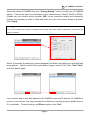
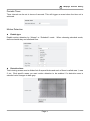
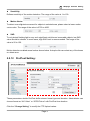
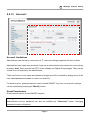
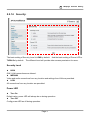
Select the “Enabled” to start the “Virtual Server” function
In the “Name” section, please input any appellation by yourself.
In the “Private IP” section, please input the DVR IP address.
In the “Protocol Type” section, please select the “TCP” type.
In the “Private Port” section, please input the 80 of number.
In the Private Port section, please input the 80 of number.
In the “Schedule” section, please select “Always”.
Page 65