1
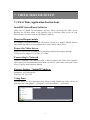
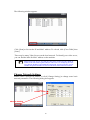
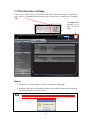
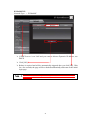
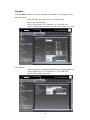
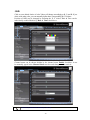
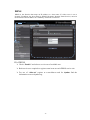
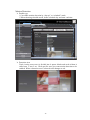
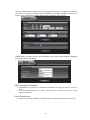
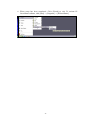
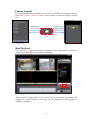
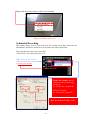
The following window appears:
Click [Scan] to list out the IP and MAC address. To refresh, click [Clear Table] then
[Scan].
There may be many Video Servers on the local network. To identify your video server,
you can find the label for MAC address on the machine.
Please beware, the PC you are using for discovering (via the IP Scan) should be
located on the same subnet segment with your video server. For example if your video
server has the IP address 192.168.100.100, subnet mask 255.255.255.0, then your PC
should be assigned an IP address such as 192.168.100.99, subnet mask 255.255.255.0.
Change Network Settings
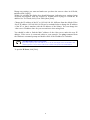
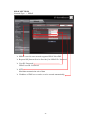
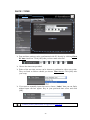
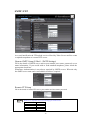
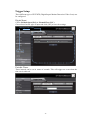
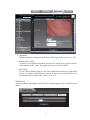
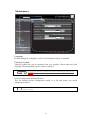
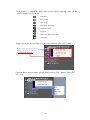
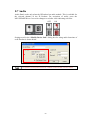
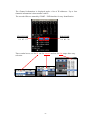
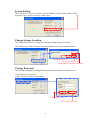
Double click a specific IP address or click [Change Setting] to change some basic
network parameters. The following dialog box appears.
Double click
Change Setting
10