1
pixelMAD manual
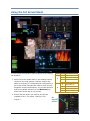
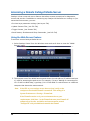
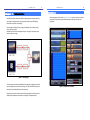
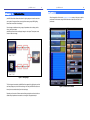
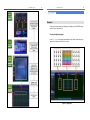
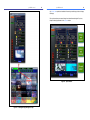
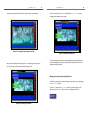
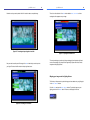
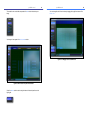
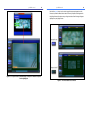
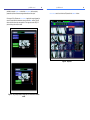
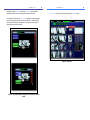
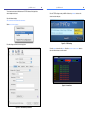
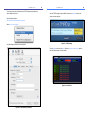
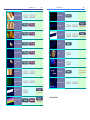
Now click on the Pixel mix area in each of the three Mix windows and choose the area of
the images that you want to patch through to the Pixel Mixes window and then on to
the lighting fixtures.
29
pixelMAD manual
30
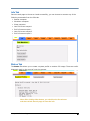
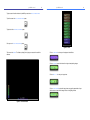
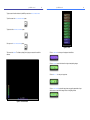
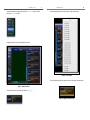
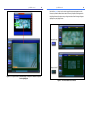
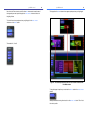
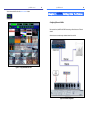
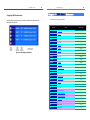
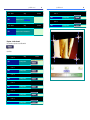
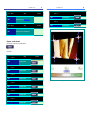
The images from the Mix windows will now appear superimposed over your lighting plot.
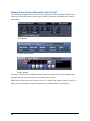
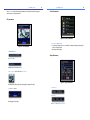
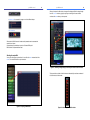
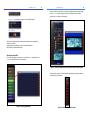
To view the three mixes superimposed over your lighting plot in the Pixel mixes
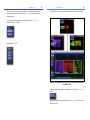
window turn on the Mixes button.
Then enable Mix 1, 2 and 3.
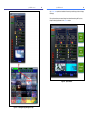
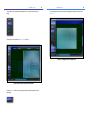
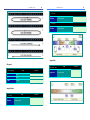
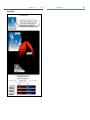
Figure 34 - The relationship between the pixel mix area in the Mix windows and the
Pixel Mixes window.
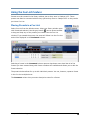
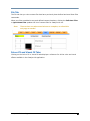
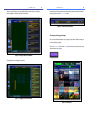
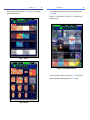
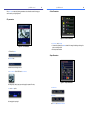
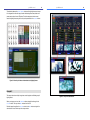
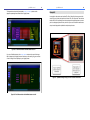
To drag the images into position you must unlock the Mixes button in the Pixel Mixes
window.
When you have finished moving the mixes click on the Mixes lock button. This will lock
the mixes in position.