1
NVSL Team Manager Operations Manual
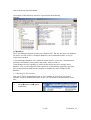
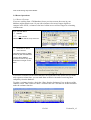
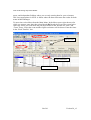
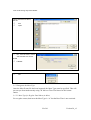
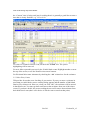
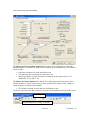
After you finish, un-check the “Show Inactive Swimmers” box to hide the inactive
swimmers.
2.4.2 Adding a Swimmer to the Roster
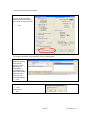
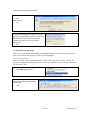
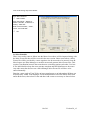
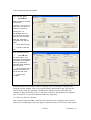
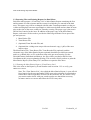
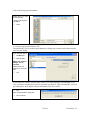
If you are starting a database from scratch or if new swimmers are joining the team you
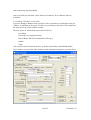
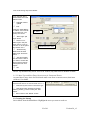
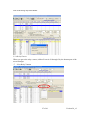
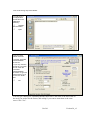
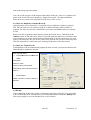
will have to add them to the roster. To add a new swimmer to the roster, select Add from
the menu at the top of the Athletes window.
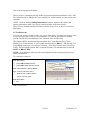
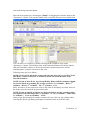
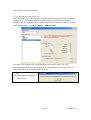
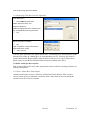
The only pieces of information required for NVSL are:
Last Name
First Name (use legal first name)
Date of Birth (TM will calculate the NVSL age)
Gender
Team
You may also enter a Preferred Name (e.g. Donny for Donald), and a Middle Initial.
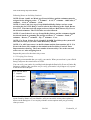
If you want to use any of the other fields for team management purposes, you may do so.
16 of 41
Version 50_v2