1
MEET MANAGER for Swimming
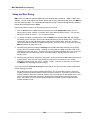
Setup Divisions / Region Names
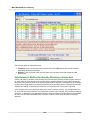
Divisions are used when the Meet Type in Meet Setup is configured as Division by Event, Division by
Team, or Division by Entry. Division by Time Standards would not use divisions as setup in the menu
described below, but would use the tags assigned to Time Standards as the "Division" names. Varsity
and JV would be examples of a High School or College meet where these two divisions compete
separately in a Divisions by Event type of meet.
Divisions
· By Event: This classification is used to group events for the purpose of Team Scoring. For example,
you might have a Varsity Division set of Events and a JV Division set of events. When you go to the
Score Report and print Team Scores, MM will total each Division's events separately.
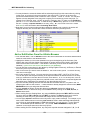
· By Team: This classification is used to group Team Divisions for multi-level scoring within one
event. For example, you might set up two Divisions for a High School meet as AAA and AA. MM
will then group and rank Teams from the same Division together so that there is a 1st place for the
AAA Teams and a separate 1st place for the AA Division Teams - all grouped and ranked in the
same event.
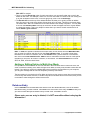
· By Entry: This classification is used to group Entries with the same Division declaration for multilevel scoring within one event. For example you might want to set up separate classifications for a
disabled type meet so that athletes with the same handicap would be ranked and scored together
within the same event.
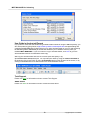
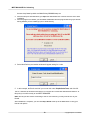
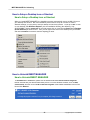
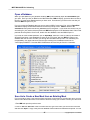
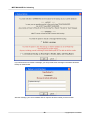
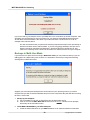
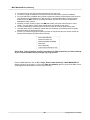
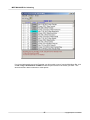
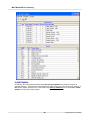
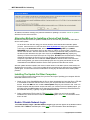
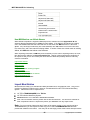
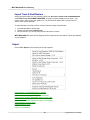
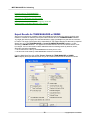
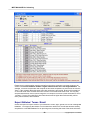
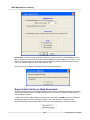
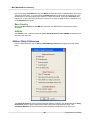
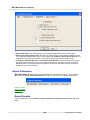
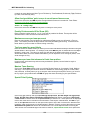
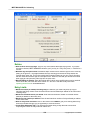
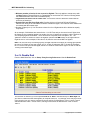
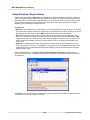
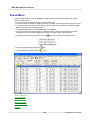
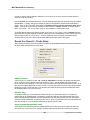
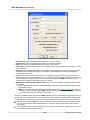
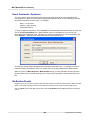
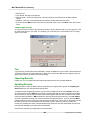
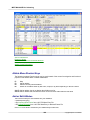
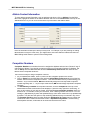
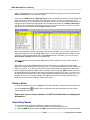
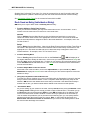
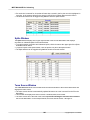
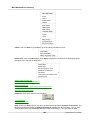
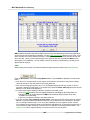
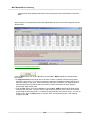
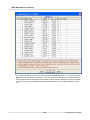
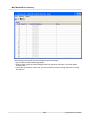
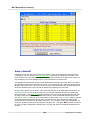
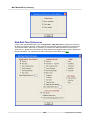
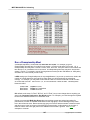
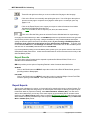
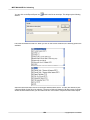
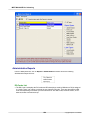
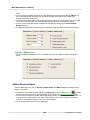
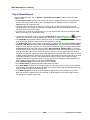
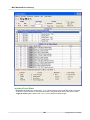
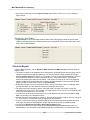
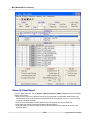
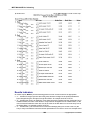
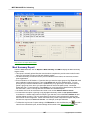
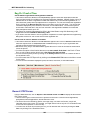
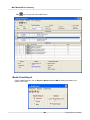
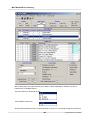
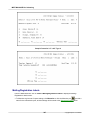
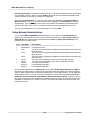
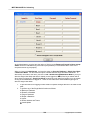
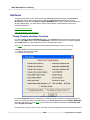
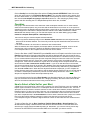
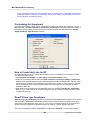
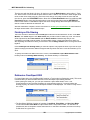
From the Main Menu bar, click Set-up / Division/Region Names / Divisions and you will have a
menu like the one below. The Division Code can be 3 characters and the Division Name can be up to
20 characters.
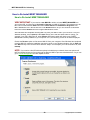
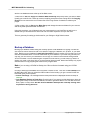
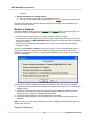
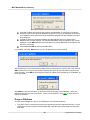
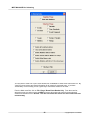
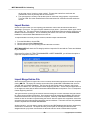
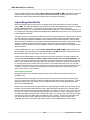
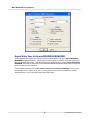
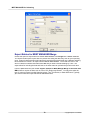
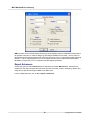
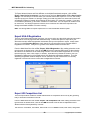
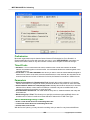
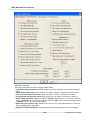
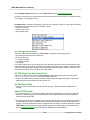
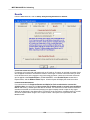
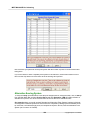
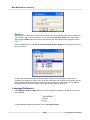
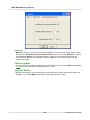
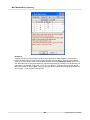
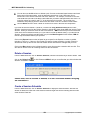
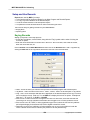
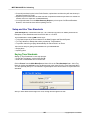
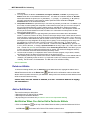
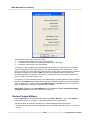
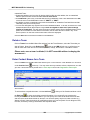
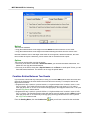
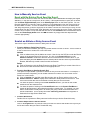
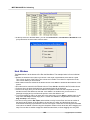
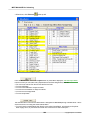
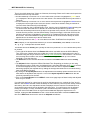
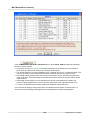
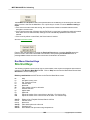
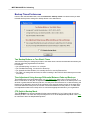
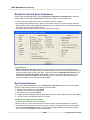
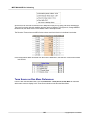
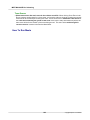
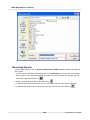
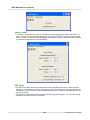
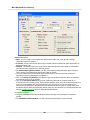
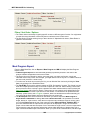
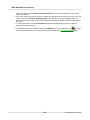
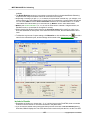
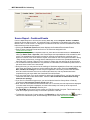
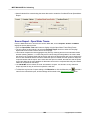
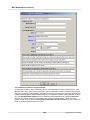
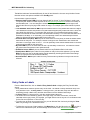
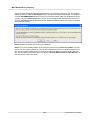
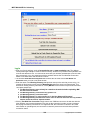
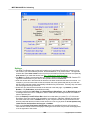
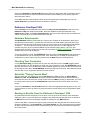
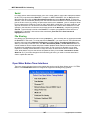
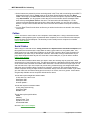
To Edit the Junior Varsity Division, double click the Junior Varsity name or select row 2 and click Edit
or the Edit icon and you get a menu as follows:
125
Copyright©Sports-Tek Software